A Gamer's Honest Review of the Latest Mid-Range GPU
6 October 2026
I have been building and rebuilding gaming PCs for over a decade, and I have watched the mid-range graphics card market turn into a weird psychological experiment. Every generation, the "sweet spot" card arrives with a price tag that makes you squint, a spec sheet that looks great on paper, and a pile of caveats that only reveal themselves after you have already swiped your card. This review is about the latest one to land on my test bench, and I am going to tell you what it is actually like to live with it, not just what the box says.
Let me be clear about my bias up front. I care about frame time consistency more than peak frame rate. I care about how a card feels in hour three of a session, not how it benchmarks in a 60-second loop. And I care a lot about whether a card makes sense at its asking price, because a good GPU at a bad price is a bad GPU for most people.
What "Mid-Range" Actually Means Now
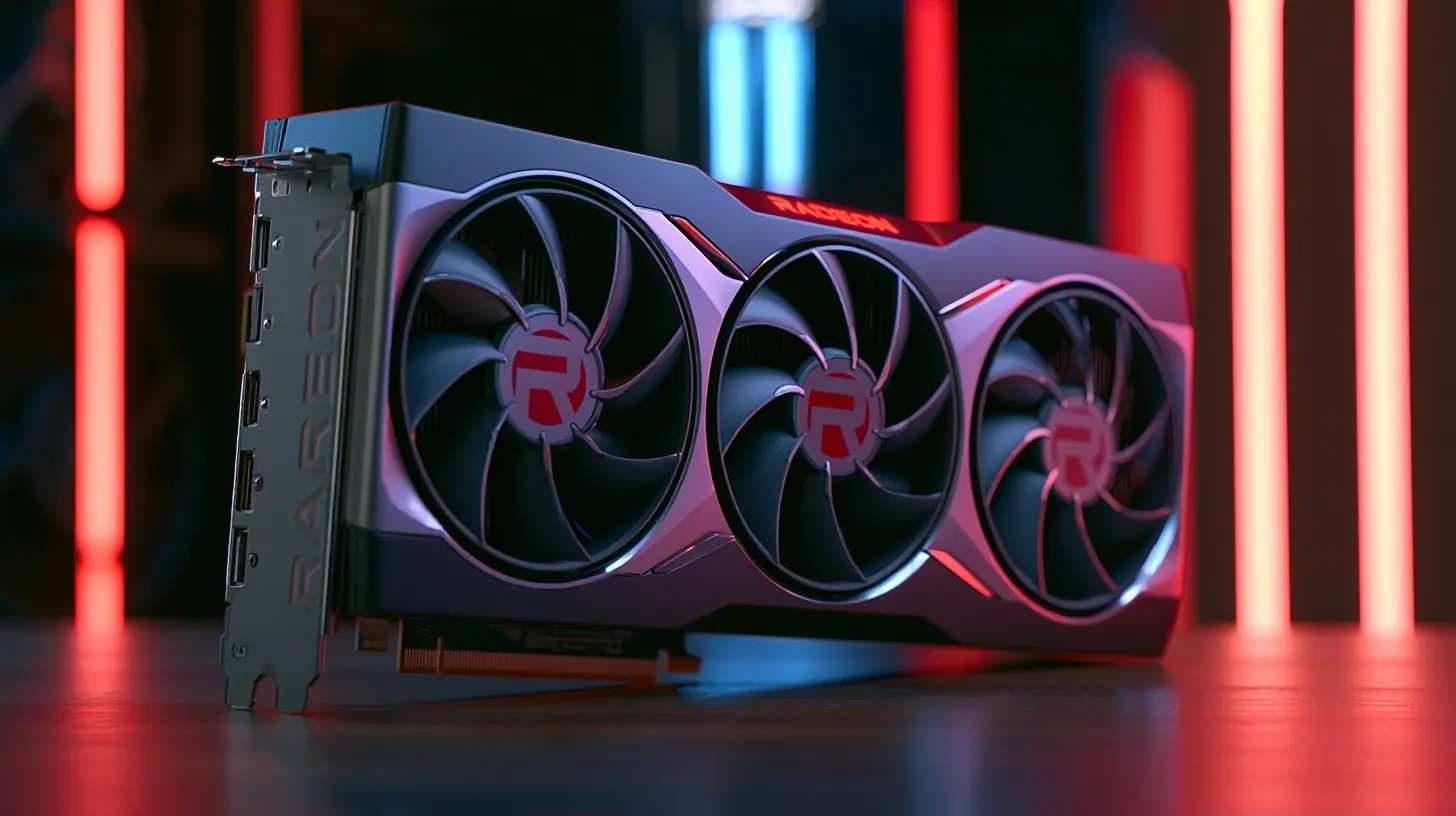
The term mid-range has drifted so far that it barely means anything. Ten years ago, mid-range meant a card you could buy for roughly the price of a console and still max out most games at 1080p. Today, mid-range often means 1440p with some settings turned down, or 1080p with ray tracing on, and a price that sits uncomfortably close to what used to be flagship territory.So before we go further, here is the working definition I use for this review. A mid-range GPU in the current market is a card positioned below the enthusiast tier, typically targeting 1440p as its primary resolution, with 1080p as a comfortable fallback and 4K as a "maybe with upscaling" experiment. That framing matters because a lot of the disappointment people feel with these cards comes from expecting flagship behavior at a non-flagship price.
The Spec Sheet and Why Half of It Is Noise
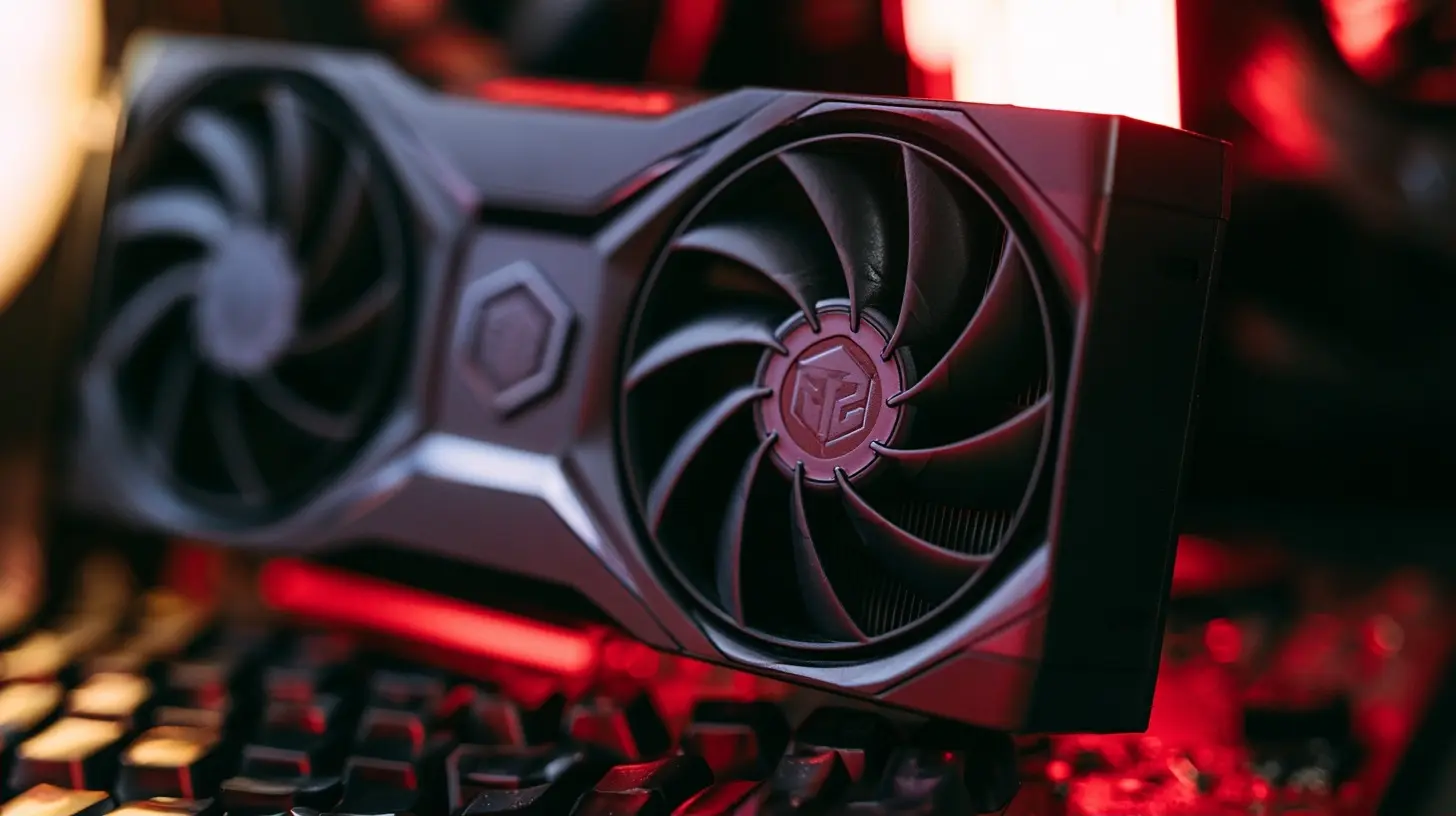
Every GPU launch floods you with numbers. CUDA cores, stream processors, memory bus width, boost clocks, infinity cache, tensor cores. Most of these numbers are useless in isolation, and some of them are actively misleading.Here is the thing nobody tells you clearly enough. Core counts only matter when compared within the same architecture. Comparing this card's core count to a card from two generations ago tells you almost nothing, because the architecture changed underneath. Memory bus width matters, but only in combination with memory speed and the amount of VRAM. A 192-bit bus with fast memory can outperform a 256-bit bus with slow memory in some workloads, and vice versa.
The two specs I actually care about for a mid-range card are VRAM capacity and memory bandwidth, in that order. VRAM capacity determines whether you can keep high-resolution textures loaded without the game streaming them in and out constantly. Memory bandwidth determines how fast the GPU can feed its cores. When one of these is too low, you get stutter, texture pop-in, and frame time spikes that no amount of core count can fix.
This card lands in a reasonable spot on both fronts, but it is not generous. That is the first trade-off you need to internalize.
Real-World Gaming Performance
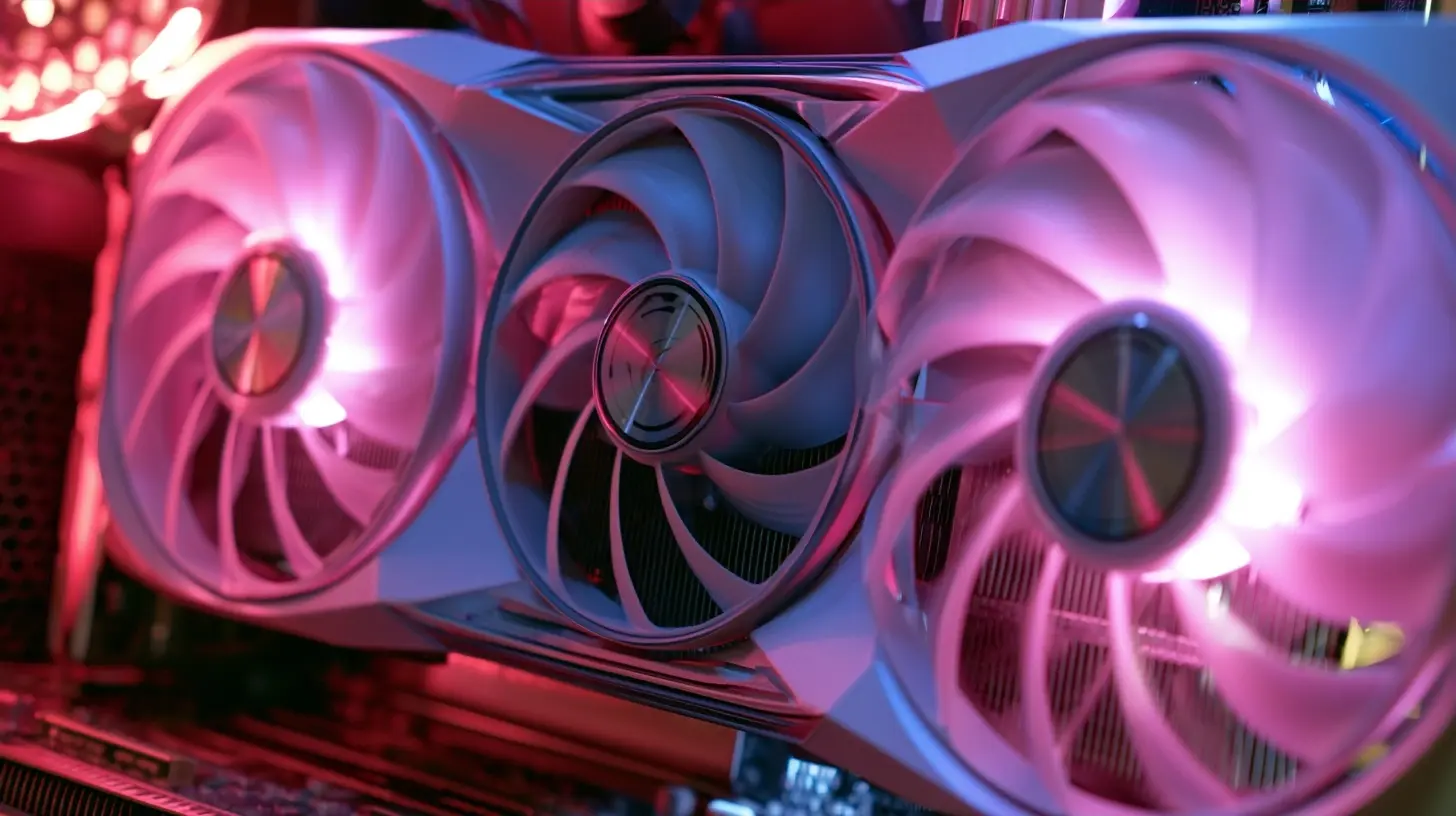
Benchmarks are useful, but they lie by omission. They usually test a short, repeatable segment of a game, which means they miss the parts that actually annoy you: the busy city, the particle-heavy boss fight, the moment a new area loads.1080p: The Comfort Zone
At 1080p, this card is genuinely strong. In most modern titles, you can push high or ultra settings and stay comfortably above 60 frames per second, and in esports titles you will be well into the hundreds. If you have a 1080p monitor with a high refresh rate, this card will feed it without drama.The nuance here is CPU bottlenecking. At 1080p, your CPU becomes the limiting factor far more often than people expect. If you pair this GPU with an older quad-core processor, you will see the card sitting at 70 percent utilization while your CPU is pegged at 100 percent, and you will blame the GPU for stutter that is not its fault. This is one of the most common mistakes I see, and it is worth repeating: a fast GPU does not fix a slow CPU.
1440p: Where It Is Meant to Live
1440p is the target, and here the story gets more honest. In well-optimized titles, you can run high settings and hover in the 70 to 100 frame range, which is a good place to be. In heavier titles, especially those with ray tracing enabled, you will need upscaling to keep things smooth.This is where I want to talk about upscaling properly, because it is not a cheat and it is not free. Upscaling renders the game at a lower internal resolution and reconstructs it at your display resolution. Done well, it is nearly indistinguishable from native in motion. Done poorly, it produces shimmering, ghosting, and fine detail that crawls. The quality of the implementation matters more than the setting name.
My practical advice: enable upscaling on the quality preset first, and only drop lower if you still are not hitting your target. Going straight to a performance preset to chase numbers is a mistake, because you trade a lot of image quality for frames you may not even need.
4K: Manage Your Expectations
You can technically run 4K on this card. You will not enjoy it in demanding titles without aggressive upscaling and reduced settings. If 4K is your priority, this is the wrong tier of card, and no amount of tweaking will change that. I would rather you hear that now than after you buy it.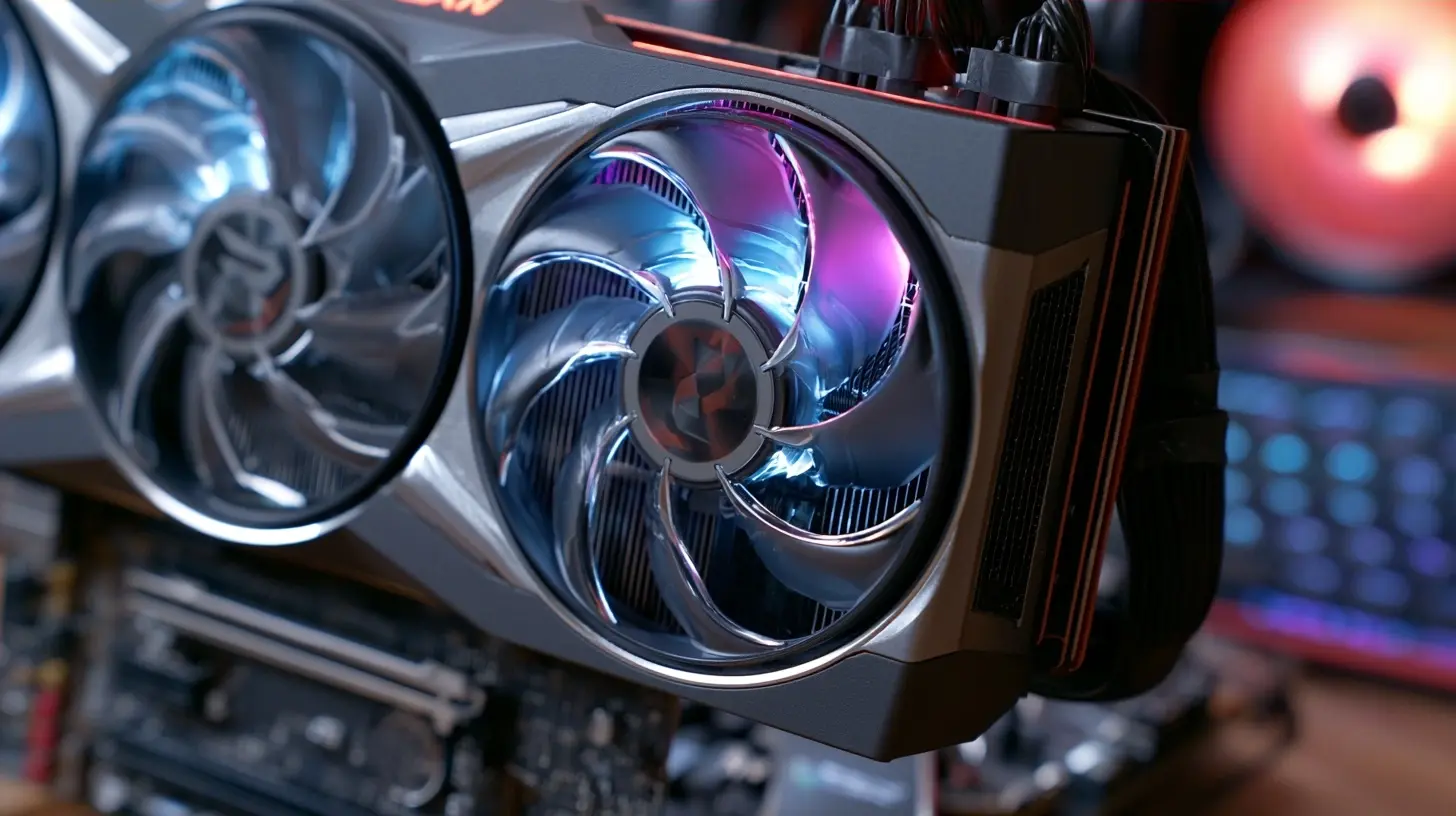
Ray Tracing: The Feature That Sells Cards and Disappoints Buyers
Ray tracing is the single biggest source of buyer's remorse in the mid-range segment, and I think the industry deserves some blame for how it markets it.Here is how ray tracing actually works on a card like this. The GPU has dedicated hardware for tracing rays, and that hardware is fast, but the workload is enormous. Turning on ray tracing can cut your frame rate roughly in half depending on the game and the effect. To compensate, you lean on upscaling and often on frame generation, which inserts AI-generated frames between real ones to make motion look smoother.
That combination can work well. It can also feel awful. Frame generation adds latency, and if your base frame rate is already low, the input lag becomes noticeable in fast games. My rule of thumb is simple: frame generation is a tool for games where you are already near 60 frames per second and want to push toward a smoother-looking 100 plus, not a rescue tool for a card that is struggling at 30.
So when should you use ray tracing on this card? In slower, atmospheric games where image quality matters more than reaction time, it is a great fit. In competitive shooters, leave it off. The visual gain is not worth the responsiveness you give up.
VRAM: The Quiet Deciding Factor
I want to spend real time on VRAM because it is the spec that ages a card the fastest.Games are using more video memory every year, mostly because of texture resolution and the way modern engines stream assets. When you run out of VRAM, the GPU has to shuffle data to and from system memory over the PCIe bus, which is dramatically slower. The result is not a clean frame rate drop. It is stutter, hitching, and inconsistent frame times that make a game feel broken even when the average frame rate looks fine.
This card's VRAM capacity is adequate for 1440p today. It is not luxurious. If you plan to keep this card for four or five years, that headroom matters, and it is the main reason I would hesitate to recommend it to someone who plays the most demanding new releases at maximum texture settings.
The practical workaround is texture settings. Texture quality is one of the cheapest visual upgrades in most games and one of the biggest VRAM consumers. Dropping from ultra to high textures often costs you almost nothing visually while freeing up a meaningful chunk of memory. That single tweak has saved more mid-range builds than any other setting.
Power, Thermals, and the Case You Already Own
Mid-range cards have gotten physically large, and this one is no exception. Before you buy, measure your case. I am not joking. I have watched people buy a card that is technically compatible with their power supply and motherboard, only to find it does not fit because of a drive cage or a front-mounted radiator.Power draw is another area where the marketing and reality diverge. The rated board power is a guideline, not a ceiling. Transient spikes, brief moments where the card pulls far more power than its rating, can trip a weak or aging power supply. If your PSU is more than five years old or was cheap when you bought it, budget for a replacement. A quality 650 to 750 watt unit from a reputable brand is the safe zone for a build like this.
On thermals, this card runs reasonably cool in a case with decent airflow, but it will throttle in a sealed box with one exhaust fan. Two intake fans at the front and one exhaust at the rear is the minimum I would run. This is not about being fancy. It is about letting the card sustain its boost clocks instead of bouncing off its thermal limit.
The Competition and the Honest Trade-Offs
There is no such thing as a card that wins everywhere. Here is how I would think about the alternatives.If you care most about raw rasterization performance per dollar, this card is competitive but not dominant. If you care about ray tracing performance, the picture changes depending on the game, because ray tracing performance varies wildly by title and by how the developer implemented it. If you care about upscaling quality, the ecosystem around the card matters as much as the silicon, because some upscalers look better than others in motion.
The used market is also worth a serious look. A previous-generation flagship can often be found for similar money and will beat this card in raw performance. The trade-offs are real: no warranty, higher power draw, and no access to the newest features. For some buyers, that is a great deal. For others, it is a headache waiting to happen. There is no universal right answer, only the one that fits your risk tolerance and your budget.
Common Mistakes I See Constantly
I want to list these plainly because avoiding them will save you money and frustration.- Buying a GPU before checking the CPU. A bottlenecked system wastes the money you spent on the card.
- Ignoring the power supply. A cheap PSU can cause crashes, shutdowns, and in bad cases, damage.
- Chasing ultra settings. The jump from high to ultra is usually the smallest visual gain for the largest performance cost in any game.
- Forgetting the monitor. A 60Hz panel caps what you can see, no matter how fast the card is.
- Assuming more VRAM always means faster. Capacity prevents stutter. It does not add frame rate on its own.
- Skipping driver updates. New drivers frequently include meaningful performance improvements for recent releases.
Who Should Buy This Card
Buy this card if you game at 1080p or 1440p, you have a modern six-core or better CPU, your power supply is solid, and you are willing to adjust settings rather than demand maximum everything. It is a good fit for someone building a balanced system who wants it to last several years with sensible tweaking.Skip it if you are chasing 4K, if you insist on maximum ray tracing in every title, or if your existing system has a weak CPU or an old power supply. In those cases, you are better off either spending more or fixing the rest of the system first.
The Verdict
This is a good card in a market that makes it hard to feel great about any purchase. It delivers solid 1440p performance, handles 1080p with room to spare, and gives you access to modern features without demanding flagship money. It is not a miracle, and it will not stay fast forever. But if you understand its limits going in and build around them, it will serve you well for years.The honest summary is this: the card is rarely the problem. The system around it usually is. Get the CPU, the power supply, the cooling, and the monitor right, and a mid-range GPU will feel far better than its spec sheet suggests. Get those wrong, and even an enthusiast card will feel broken.
all images in this post were generated using AI tools
Category:
Tech ReviewsAuthor:

John Peterson