Everything You Need to Know About Network Firewalls
7 May 2026
Let’s face it—cybersecurity is no longer optional. Whether you're just setting up your home Wi-Fi or managing a sprawling corporate IT infrastructure, there's one word that keeps coming up: firewalls. Yep, those invisible gatekeepers that quietly decide what gets in and what stays out of your network.
But what exactly is a network firewall? How does it work? And do you really need one (spoiler: yes, you do)? Don't worry, we've got your back. This article lays out everything you need to know about network firewalls, broken down simply and clearly. Let’s dive in.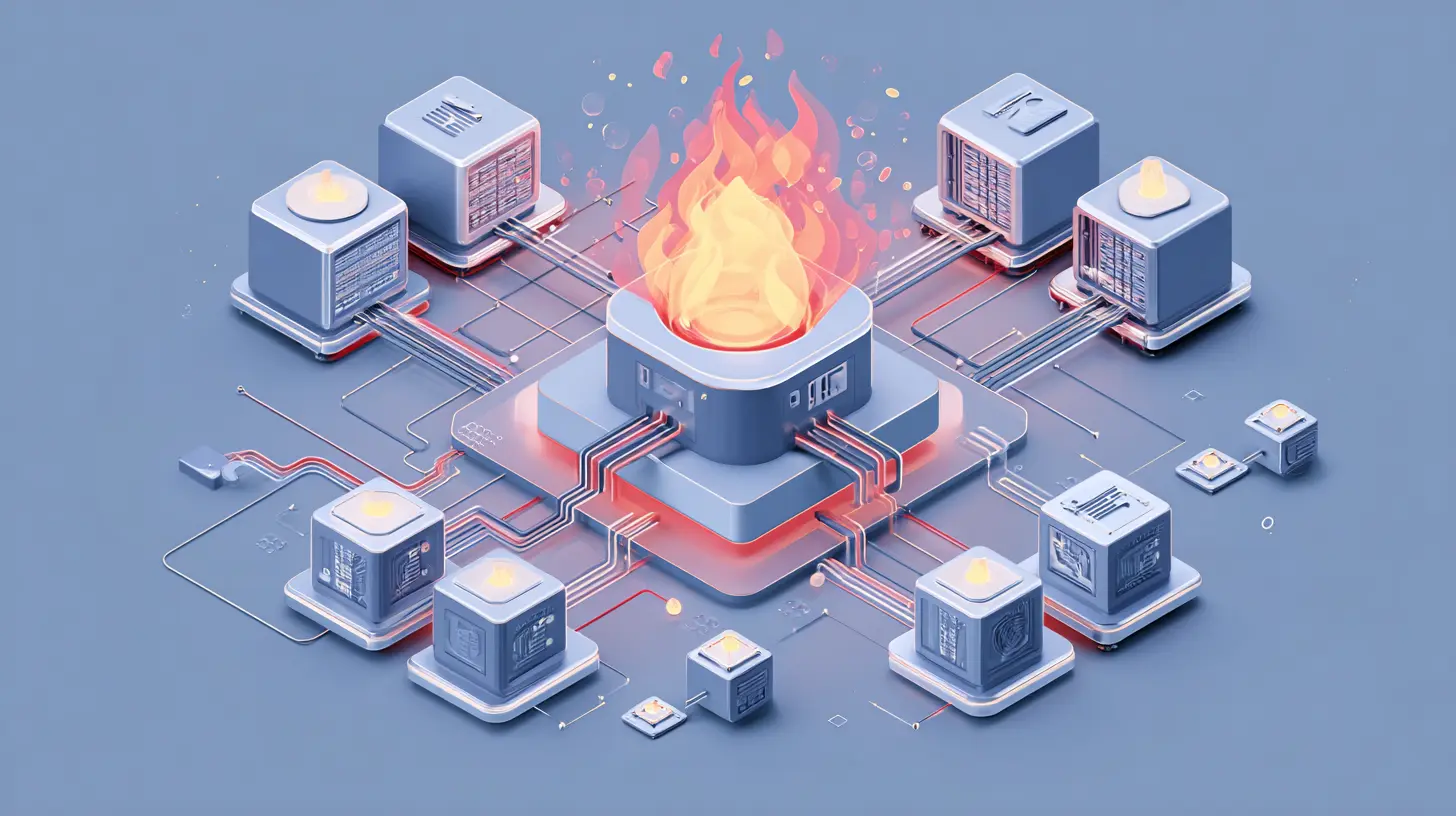
? What Is A Network Firewall?
Imagine your network as a fancy office building. Every person who comes in has to pass through a security guard at the door. That guard checks IDs, asks questions, and makes sure nobody suspicious sneaks in. Well, a network firewall is kind of like that guard—but for your digital space.A firewall is a security system that monitors and controls incoming and outgoing traffic to and from a network. It does this based on a set of pre-defined rules. Essentially, it determines who’s allowed in and who gets the boot.
Firewalls can be hardware-based, software-based, or a mix of both. But regardless of their form, their mission stays the same: to keep the bad stuff out and let the good stuff in.
? Why Firewalls Matter More Than Ever
You might be thinking, "I’ve got antivirus software and two-factor authentication. Isn’t that enough?" Not exactly.Cyber threats have become more sophisticated than ever. We’re talking malware, ransomware, phishing attacks, and even insider threats. Firewalls act as your first line of defense against this digital chaos.
Without a firewall in place, your network is like an open house with no locks, no guards, and—well—no safety net. Anyone can waltz in, snoop around, and wreak havoc.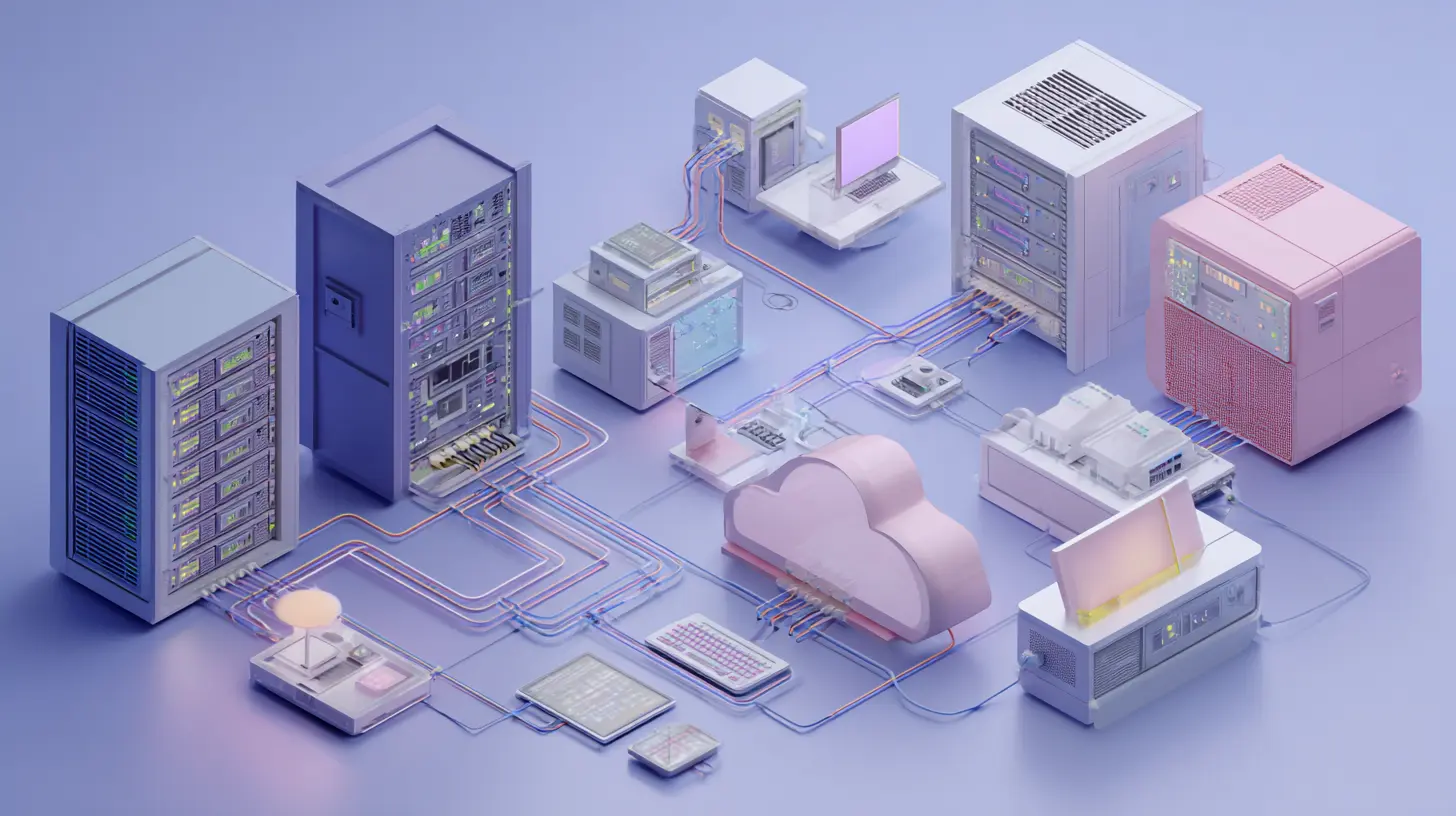
? Types of Network Firewalls
Not all firewalls are built the same. Depending on your needs, the type of firewall you choose can make a huge difference in how protected your network is.1. Packet-Filtering Firewalls
Old school but dependable. These firewalls inspect tiny chunks of data called packets and allow or block them based on source IP, destination IP, port number, and protocol. Think of it like looking at the envelope of a letter without opening it.Pros:
- Simple and efficient
- Low impact on system performance
Cons:
- Doesn’t inspect the actual content
- Can be fooled by sophisticated threats
2. Stateful Inspection Firewalls
A little more advanced. These not only check the packet headers but also keep tabs on the state and context of network connections. It’s like checking the envelope and remembering the last time this sender contacted you.Pros:
- Provides better security
- Tracks active sessions
Cons:
- Resource-intensive
- Can slow down network speed
3. Proxy Firewalls (Application-Level Gateways)
Now we're getting fancy. Proxy firewalls act as an intermediary between users and the internet. They hide your actual network from outsiders by handling traffic on your behalf.Pros:
- Keeps internal systems anonymous
- Can filter content by application
Cons:
- Slower performance
- Requires more configuration
4. Next-Generation Firewalls (NGFW)
These are the Swiss Army knives of firewalls. They combine packet filtering, stateful inspection, deep packet inspection, intrusion prevention systems (IPS), and sometimes even malware protection. NGFWs are designed to fight today's sophisticated threats.Pros:
- Extremely robust
- Smart threat detection
Cons:
- Expensive
- Requires skilled setup and management
5. Cloud-Based Firewalls (FWaaS)
Firewall-as-a-Service. Yep, even firewalls have gone to the cloud. These are perfect for modern businesses with remote workers and cloud infrastructure.Pros:
- Scales easily
- Centralized management
Cons:
- Depends on internet connectivity
- May not integrate well with all systems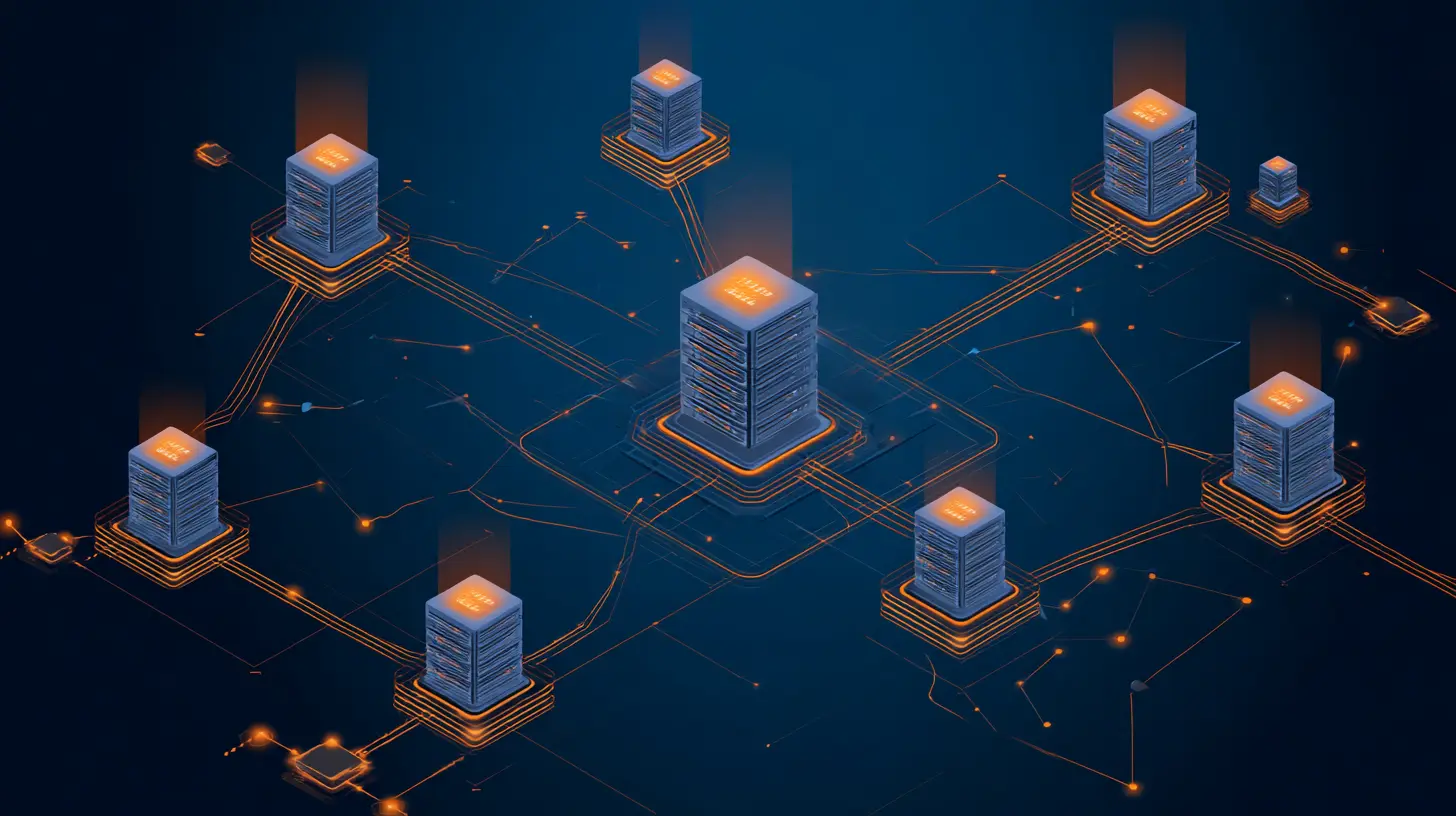
? How Do Firewalls Actually Work?
Let’s break this down without diving into too much geek-speak.When data tries to enter or exit your network, the firewall examines it. Based on rules you've set (or the system has defined), it decides whether to allow that data to pass or not.
Think of it like airport security. If someone has the right ticket and clear records, they board the plane. If not? They're pulled aside for a little friendly chat (or blocked entirely).
Firewalls can filter traffic based on:
- IP addresses
- Domain names
- Protocols (like HTTP, FTP, etc.)
- Port numbers
- Specific content or keywords
This lets you allow traffic from trusted sources while keeping out shady characters.
?️ Setting Up and Configuring a Firewall
Good news: setting up a basic firewall isn’t rocket science. Even your home Wi-Fi router probably has a firewall built in. But for businesses or more complex networks, things get a little deeper.Here are the basic steps to setting up a firewall:
1. Identify Your Needs
Are you protecting a home network, small business, or enterprise? Your needs will dictate the type and complexity of your firewall.
2. Choose Your Firewall Type
Software? Hardware? Cloud-based? Do your research and compare options.
3. Define Access Policies
Set rules for which traffic is allowed and what should be blocked.
4. Segment Your Network
Divide your network into zones (like internal, guest, and DMZ) for better control over traffic flow.
5. Monitor and Update Regularly
A "set it and forget it" firewall can quickly become outdated. Keep an eye on logs, apply updates, and tweak rules as needed.
⚠️ Common Firewall Mistakes to Avoid
Even the best firewall won’t help if you mess up the setup. Here are some classic goof-ups to avoid:- Overly Permissive Rules: Allowing "any" traffic defeats the point of a firewall.
- Outdated Firmware: An old firewall is a vulnerable firewall.
- Ignoring Logs: Firewall logs are gold mines for spotting unusual activity.
- No Backup Strategy: Always have a configuration backup in case something goes south.
- No Redundancy: For critical systems, consider having a secondary firewall setup for failover.
? Firewalls vs. Antivirus: What’s the Difference?
You wouldn’t use a seatbelt as a helmet, right? They both protect you but in different ways. The same goes for firewalls and antivirus software.- Firewalls: Act like the bouncers at a club. They decide who gets in and who doesn’t.
- Antivirus: Acts like a doctor. It treats infections after they’ve entered your system.
Ideally, you'd use both. A firewall blocks threats before they get in, while antivirus handles anything that slips through.
? The Role of Firewalls in a Broader Security Strategy
Firewalls are crucial—but they’re not your whole defense system. Think of them as the walls of a castle. You still need guards (endpoint protection), watchtowers (monitoring tools), and a good escape plan (disaster recovery).Here’s how firewalls fit into a solid cybersecurity lineup:
- Firewalls: First line of defense
- Intrusion Detection/Prevention Systems (IDS/IPS): Spot and kill anything sneaky
- Antivirus/Anti-malware: Clean up infected machines
- Encryption: Protect data from prying eyes
- User Training: Teach users not to click on shady links
? Choosing the Right Firewall for You
When picking a firewall, you need to match features with your needs and budget. Here’s a quick cheat sheet:| Use Case | Recommended Firewall Type |
|--------------------|---------------------------------|
| Home Users | Basic router with built-in firewall |
| Small Businesses | Software firewall or UTM device |
| Medium Businesses | Next-Generation Firewall (NGFW) |
| Large Enterprises | NGFW + Dedicated security team |
| Remote Workforces | Cloud-based firewall (FWaaS) |
Don’t just pick the most expensive option. Think about scalability, ease of use, integration with other tools, and customer support.
? Future of Firewalls: Where Are We Heading?
As networks evolve, firewalls are getting smarter. The rise of AI and machine learning means firewalls can now learn and adapt to new threats in real time—like digital bloodhounds.We’re also seeing a shift toward zero-trust architecture, where no device is trusted, even inside the network. Firewalls of the future will play a key role in enforcing these policies.
Oh, and let’s not forget IoT. As more smart devices crowd our homes and offices, firewalls will need to step up their game to deal with thousands of new little endpoints.
? Final Thoughts
Firewalls might not be glamorous. They’re not flashy. They don’t wear capes. But in the messy, chaotic world of cybersecurity, they’re your unsung heroes. Whether you’re defending your cozy home network or a global enterprise, having a solid firewall in place gives you peace of mind—and that’s priceless.So go ahead. Lock the digital door. Set some rules. And keep the bad guys out. After all, your data deserves a good night’s sleep too.
all images in this post were generated using AI tools
Category:
NetworkingAuthor:

John Peterson
Discussion
rate this article
2 comments
Faye Love
Great article! It's refreshing to see such a clear and comprehensive guide on network firewalls. Your insights make a complex topic accessible to everyone. Keep up the fantastic work in helping us navigate tech challenges!
May 27, 2026 at 3:14 AM
John Peterson
Thank you for the kind words! I'm glad you found the guide helpful. Your support means a lot!
Zailyn Taylor
Great overview on network firewalls! It's always good to have a solid grasp on security. Keep exploring and learning-every bit helps in this tech-savvy world!
May 7, 2026 at 10:42 AM
John Peterson
Thanks for the positive feedback! I agree, staying informed on security is crucial. Keep learning!