How to Create a Minimalist Home Entertainment Setup
5 December 2025
Let’s be real for a second: modern life is noisy. Not just in terms of sound, but visually, mentally, digitally—everything feels cluttered. And when we finally get some downtime, all we want is to kick back and unwind without the chaos. That’s where a minimalist home entertainment setup comes in. It’s the ultimate way to enjoy your favorite shows, games, and music without the mess, the wires, and the overwhelm.
So if you're tired of tangled cords, black-box chaos, and tech that takes up more room than your couch, you’re in the right place. I’ll walk you through how to create a clean, stylish, and ridiculously functional minimalist home entertainment setup that works for real life.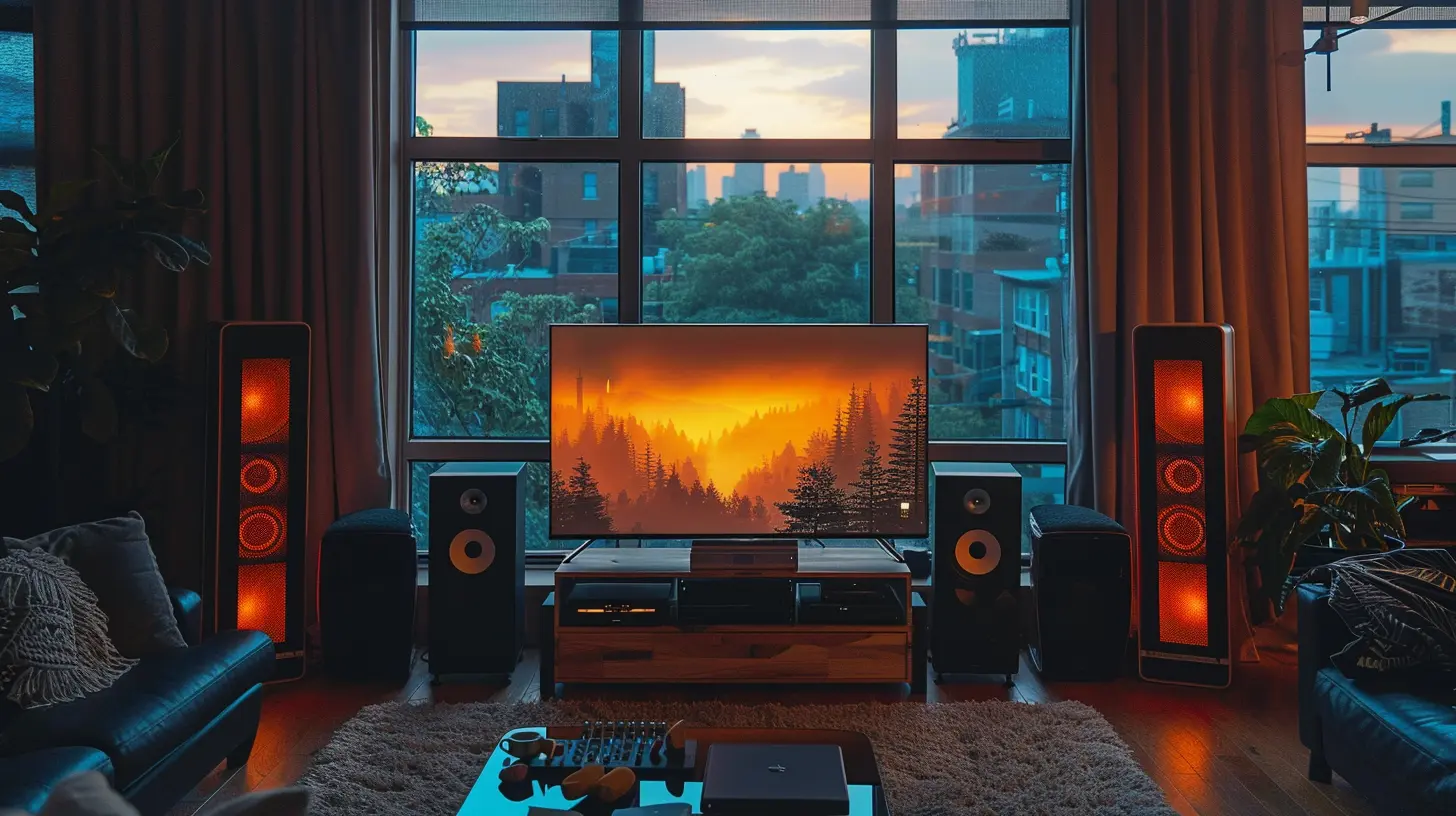
Why Go Minimalist?
Before we jump into the how, let’s talk about the why. Going minimalist isn’t just about aesthetics (though, let’s be honest, it looks amazing). It’s about simplifying your life so you can focus on what really matters—like who killed it in the latest series finale or finally beating that ridiculously hard game level.Here’s what a minimalist setup brings to the table:
- Less clutter = less stress.
- Easier maintenance = more time to relax.
- Better focus = enhanced viewing or gaming experience.
- Stylish & modern look = yes, you're officially adulting.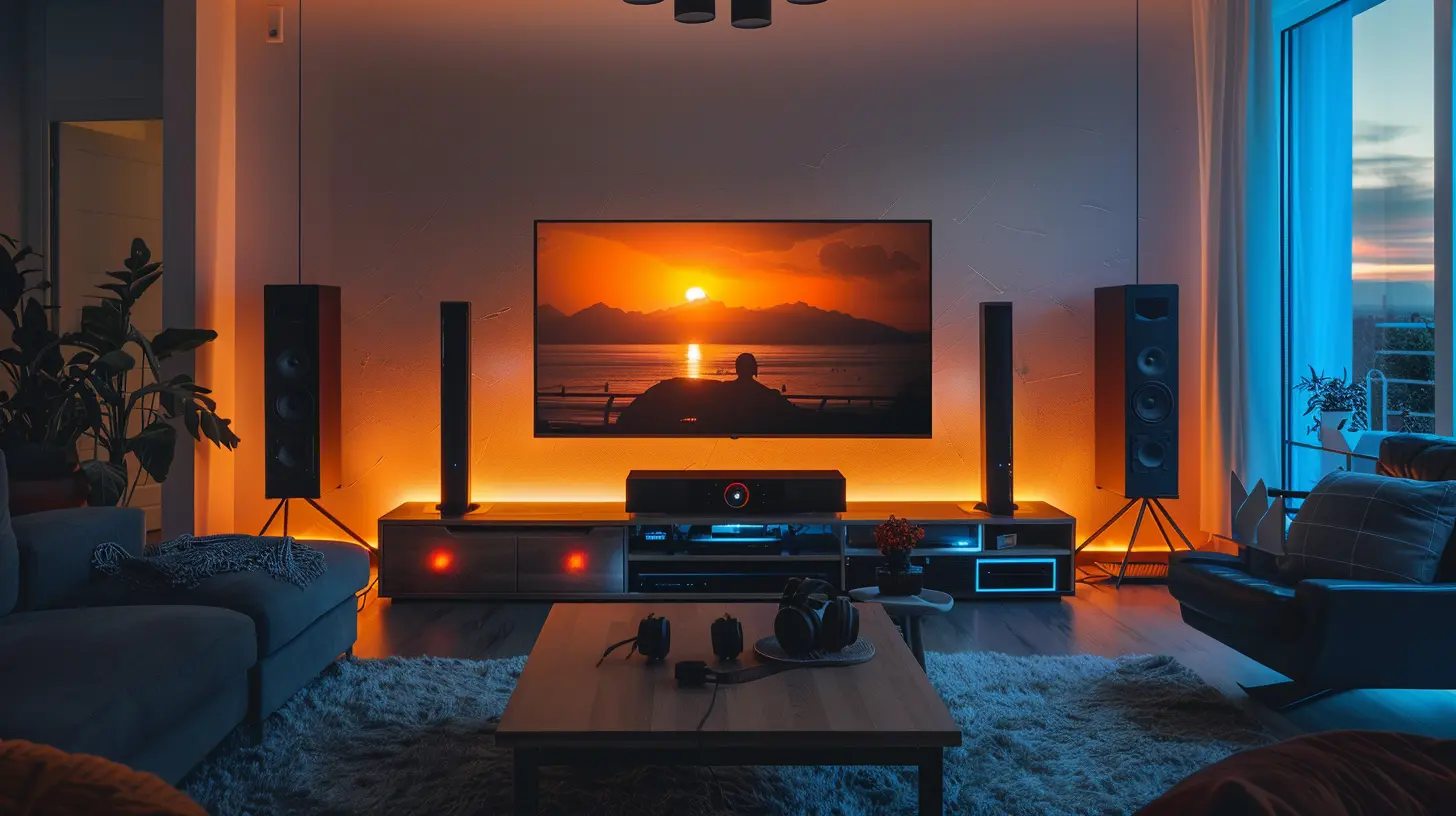
Step 1: Define Your Goals and Needs
Take a beat and ask yourself: What do I actually use this space for?Are you a movie buff? A gamer? Maybe you just want a clean space to occasionally binge-watch Netflix with your dog. Whatever it is, define your entertainment goals. Because let’s face it, a minimal setup for streaming isn’t going to look the same as one for high-end gaming or surround-sound movie nights.
Ask yourself:
- Do I mostly stream content?
- Do I need surround sound?
- Will I be gaming on it?
- Do I need physical media (DVDs, Blu-rays)?
- How many people usually use the space?
Clarity here will save you from buying stuff you don’t need (looking at you, fifteen remote controls).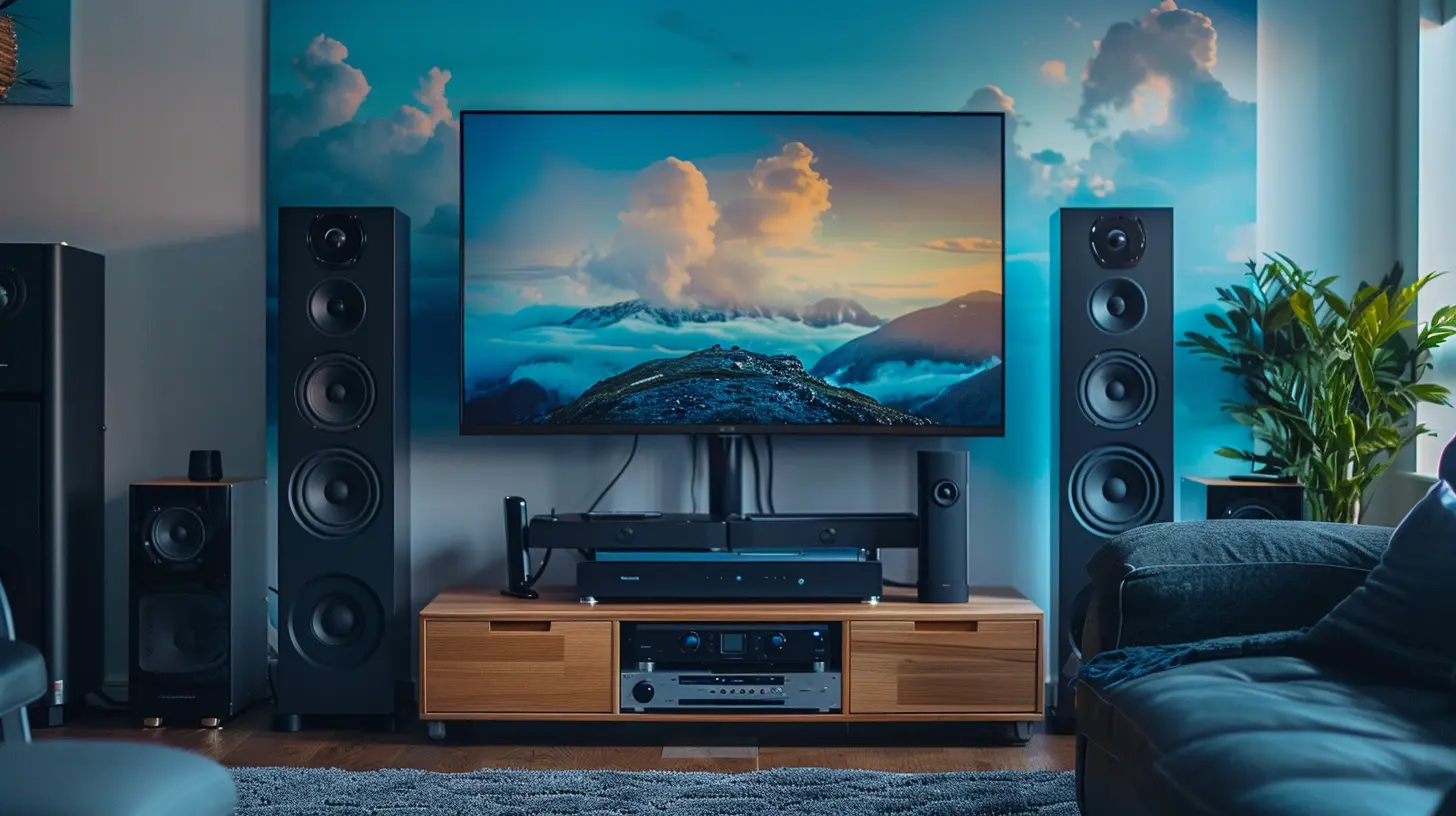
Step 2: Choose Your Display Wisely
Your screen is the crown jewel of your entertainment setup. But that doesn’t mean it has to be the biggest monstrosity on your wall. Minimalism is all about balance.Stick to What Fits Your Space
Get a screen that’s right for the size of your room. A 75-inch screen might look great at Best Buy, but in your cozy apartment, it could feel like living inside a spaceship.Use the rule of thumb: Multiply your seating distance (in inches) by 0.84 to get the ideal screen size.
Go Thin, Go Smart
Look for a sleek, flat-screen that’s wall-mountable. The thinner, the better. And make sure it’s a Smart TV—so you can get rid of external streaming boxes and keep everything digital and clean.>Bonus tip: Mounting your TV? Hide the cables in the wall. It makes a huge difference.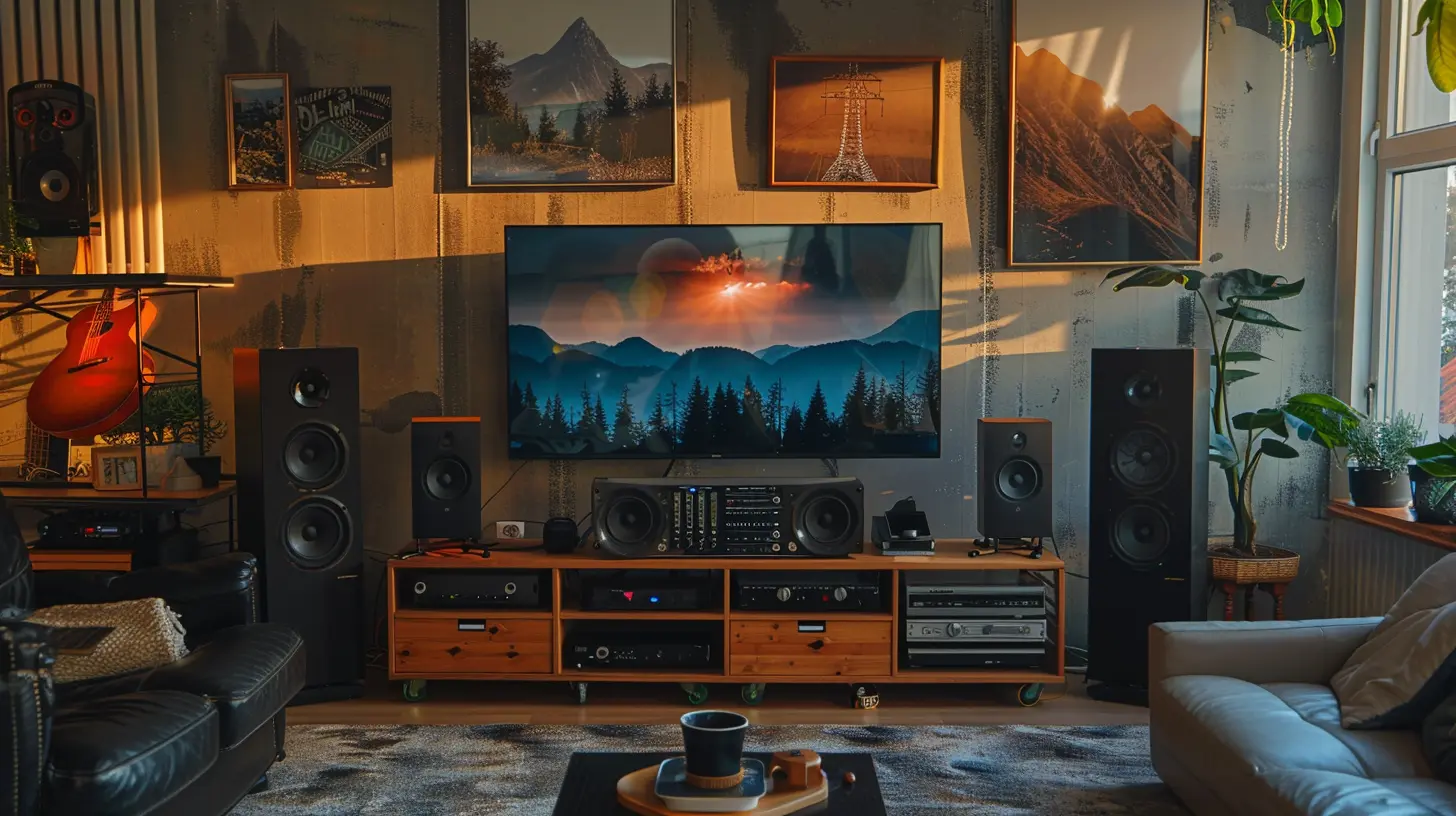
Step 3: Simplify Your Audio Setup
Alright, audio lovers, this one can get tricky. We all want that sound—the kind that makes you feel like you’re right there in the action. But do we really need seven speakers, a subwoofer, and a degree in engineering to set it all up?Soundbar to the Rescue
Instead of the full surround sound jungle, opt for a high-quality soundbar. Some even come with wireless subwoofers and upward-firing speakers, so you still get depth and clarity—without the mess.Look for:
- All-in-one sound systems
- Dolby Atmos support (for impressive surround effects)
- Bluetooth/Wi-Fi connectivity (no wires, no problem)
Keep Speakers Off the Floor
If you can’t part with surround sound, consider in-wall or ceiling speakers. They keep things streamlined and look fantastic—seriously, it's like your room is whispering sweet nothings in surround sound.Step 4: Control the Chaos with Smart Tech
Nothing kills minimal vibes like five different remotes lying around. Let's cut that number down to maybe one. Or better: none.Universal Remote or Smart Assistant
Invest in a universal remote or go full 2024 with a voice assistant like Alexa or Google Assistant. With the right setup, you can:- Turn on your TV
- Change channels
- Adjust volume
- Control lights
- All without lifting a finger (or losing a remote in your couch again)
Use a Smart Power Strip
Not only does this reduce cable clutter, but it also helps manage energy usage. Plus, some let you control each outlet independently via an app.Step 5: Ditch Physical Media (If You Can)
Look, I get it—holding a physical DVD has its charm. But if we’re going minimalist, digital is the way to go.Go Digital for Movies and Music
Use streaming apps like:- Netflix, Hulu, or Disney+ for shows
- Spotify or Apple Music for tunes
What About Games?
If you're a gamer, consider downloading your games digitally or using cloud gaming platforms. This way, you won’t need shelves full of plastic cases gathering dust.Step 6: Conceal the Clutter
Even minimalist setups can start looking messy if cables and gadgets are strewn everywhere. The trick is to design with concealment in mind.Hide Cables
Use these life-savers:- Cable raceways
- Under-carpet cable covers
- Cord management boxes
Choose Multi-Function Furniture
Go for furniture with built-in storage or hidden compartments. Think sleek media consoles with cable holes in the back or floating shelves that look like decor but hide your router and media player.Wall-Mounted Everything
From your TV to shelves and soundbar, keeping everything off the floor opens up your space and gives it that effortless, airy vibe.Step 7: Keep Decor Minimal But Meaningful
This is where you can inject some personality without the clutter. Less is more, friends.Stick to a Neutral Palette
Think blacks, whites, greys, and natural materials like wood or stone. It sets a calming backdrop that lets your tech shine without screaming for attention.Use Hidden Storage
Books, remotes, and controllers? Store 'em out of sight but within reach. Ottomans with compartments and side tables with drawers are your secret weapons.Add Some Life
A simple plant, a cool LED light strip, or a minimal frame can cozy up the space without making it feel busy.Step 8: Future-Proof Your Setup
Technology evolves faster than you can say "firmware update." So, set yourself up for long-term simplicity.Choose Modular Tech
Invest in tech that’s easy to expand or upgrade. For example, a soundbar that supports additional speakers later on or a TV with HDMI 2.1 ports for future gadgets.Go Wireless as Much as Possible
Bluetooth everything. Wi-Fi everything. The fewer the cords, the longer your setup will feel clean and manageable.Regularly Declutter
Take a monthly scan of your setup. If you haven’t used something in a while (looking at you, dusty VR headset), it’s time to rethink its place in your space.Real-Life Minimalist Entertainment Setup Example
Imagine this:- A 55-inch OLED TV mounted on the wall.
- A sleek, Wi-Fi-enabled soundbar tucked beneath.
- A hidden Apple TV or Roku behind the screen.
- All cables routed behind the drywall.
- Wall-mounted shelves with a single framed art piece and a small indoor plant.
- A floating console with hidden drawers storing all controllers, remotes, and accessories.
- Lighting controlled by your voice.
- No discs. No stacks. Just peace.
Now take a breath. That’s the power of minimalist design.
It’s Not About Less, It’s About Better
Creating a minimalist home entertainment setup doesn’t mean sacrificing comfort or tech. It means making intentional choices—so you get more joy with less friction.Remember, this is your space. It needs to work for your habits, your needs, and your vibe. So don’t aim for magazine perfection. Aim for something that feels effortless every time you sit down to enjoy it.
Cut the clutter. Keep the comfort. And turn movie night into an experience, not a tech support session.
all images in this post were generated using AI tools
Category:
Home EntertainmentAuthor:

John Peterson
Discussion
rate this article
2 comments
Iliana McCaw
Minimalist setup? Just hide the remotes and call it a day!
December 17, 2025 at 5:16 AM
John Peterson
While hiding remotes can simplify the look, a truly minimalist setup involves thoughtful organization and choosing multifunctional devices to enhance both aesthetics and functionality.
Willow Pratt
Creating a minimalist home entertainment setup? Easy! Just remember: the fewer remotes you own, the fewer times you’ll experience the ‘lost remote’ panic. Embrace simplicity, and let the binge-watching begin—minus the clutter and the chaos!
December 8, 2025 at 5:17 AM
John Peterson
Absolutely! Simplifying your remotes is a key step to achieving a clutter-free entertainment space. Happy binge-watching!