How to Watch Local Channels Without Cable in 2027
5 September 2026
Let's be honest: cutting the cord in 2027 is no longer a rebellious act. It is the default. But there is one stubborn hangup that keeps people tethered to their cable bill longer than they want: local channels. You want your evening news, the local weather forecast that actually matters for your town, the big game on your regional sports network, and maybe a bit of network primetime without the antenna wobble.
The good news? You have more options than ever. The bad news? The landscape has shifted dramatically in just the last few years. What worked in 2020 is often obsolete in 2027. The streaming wars have consolidated, antenna technology has improved, and the way broadcasters distribute their signals has changed at the FCC level.
This guide is not a list of the same old "try YouTube TV" advice. We are going deep into the actual mechanics, the hidden costs, and the strategic decisions you need to make to watch your local channels legally, reliably, and without paying a cent to a traditional cable company.
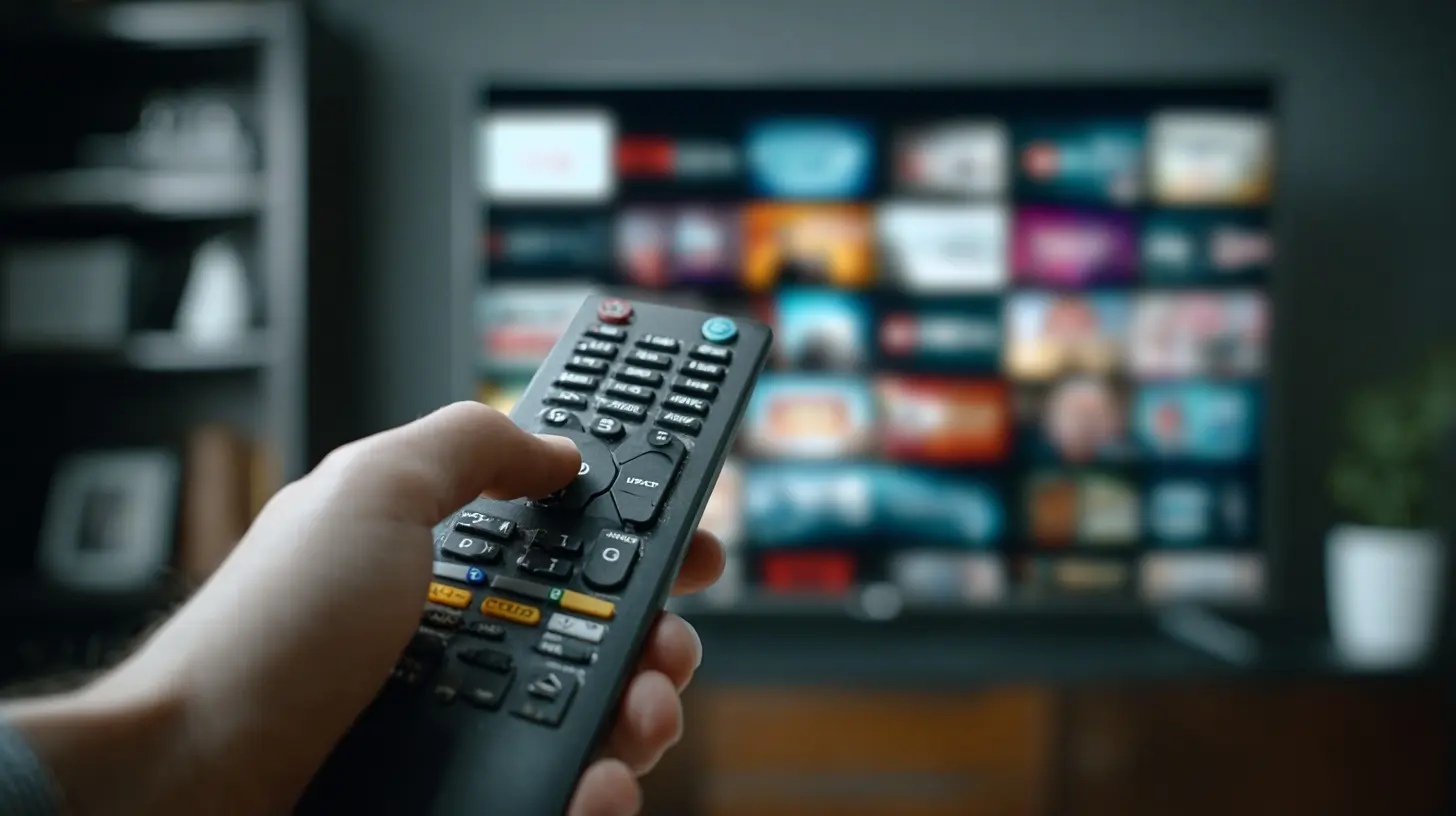
The Big Shift: Why 2027 Is Different
Before we get into the "how," you need to understand the "why now." Three major changes have redefined the local channel landscape.First, the death of the legacy streaming bundle as we knew it. For years, services like Hulu + Live TV and YouTube TV were the go-to answer. They offered local channels, but their prices have climbed steadily. In 2027, the average live TV streaming service costs nearly as much as basic cable did a decade ago. The value proposition is eroding. People are dropping these services because they only wanted them for two or three channels, not the hundred they never watch.
Second, the rise of NextGen TV (ATSC 3.0). This is the broadcast standard that is finally hitting its stride. It allows for 4K over-the-air signals, better indoor reception, and, crucially, interactive features that blur the line between broadcast and internet. But there is a catch: it is also enabling broadcasters to encrypt their signals, which we will get to later.
Third, the fragmentation of streaming apps. The major networks (ABC, CBS, NBC, Fox) have all launched their own direct-to-consumer apps. But they do not always include live local programming. They often only offer on-demand content, and sometimes only after a delay. The old model of "one app for everything" is gone. You now have to assemble a patchwork of solutions.
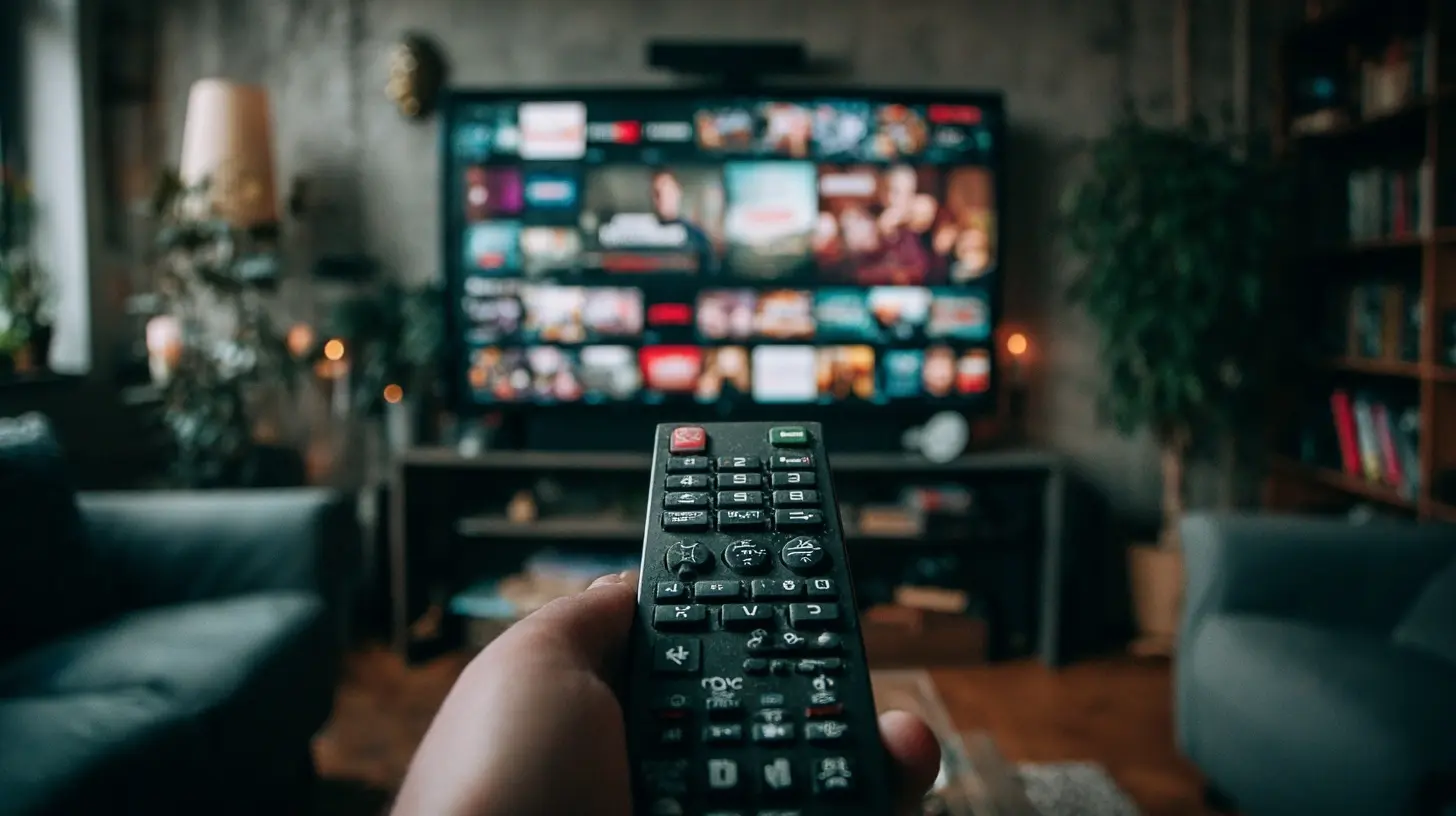
The Antenna Renaissance: Not Your Grandfather's Rabbit Ears
Let's start with the most cost-effective and, frankly, the most reliable method: the over-the-air (OTA) antenna. In 2027, this is not a compromise. It is a superior option for picture quality and price.#
Why Antennas Are the Best Value
An antenna gives you uncompressed 1080i or 720p signals. That is often better than the compressed feeds you get from streaming services. With a NextGen TV tuner, you can get 4K HDR broadcasts for major events, something that still lags on cable and streaming. The cost is a one-time purchase of a device that can last decades. No monthly fee. No contract. Just free television.The misconception is that antennas only work if you live in a major city. That is not true in 2027. The FCC has mandated that broadcasters keep their signals strong, and many smaller markets have moved their transmitters to maximize coverage. However, terrain and distance still matter.
#
Choosing the Right Antenna
You have two primary choices: indoor and outdoor.Indoor antennas are convenient. A flat, paper-thin model you stick to a window or wall can work wonders if you live within 15 to 20 miles of the broadcast towers. But they are susceptible to interference from your neighbors' Wi-Fi, your refrigerator, and even the metal in your walls. The key is placement. Do not hide it behind your TV. Put it high up, near a window, and away from other electronics.
Outdoor antennas are the workhorses. If you are more than 25 miles from the towers, or if you have hills or dense trees between you and the transmitter, you need one. A large, directional antenna mounted on your roof or in your attic will give you the most reliable signal. The installation is more work, but it is a set-and-forget solution.
In 2027, there is a third option: the attic antenna. This is the sweet spot for many homeowners. It gets you above the first-floor clutter and, in most cases, provides enough signal amplification to work well. It is not as good as a roof mount, but it is far better than any indoor flat antenna.
#
The ATSC 3.0 Encryption Problem
Here is the nuance that most articles miss. NextGen TV is great, but broadcasters are allowed to encrypt the signal. Why? They want to protect their content from being easily recorded and redistributed. But the practical effect is that you might need a special tuner or a "dongle" that supports the DRM (Digital Rights Management) used for the encrypted channels.What does this mean for you? If you buy a new TV in 2027, it will have an ATSC 3.0 tuner built in. But that tuner might only work for unencrypted channels. The major networks in many markets have chosen to encrypt their 3.0 signals. So, your shiny new TV might receive the 3.0 guide, but show a black screen for the actual channel.
The workaround is to use a separate tuner box, like a Tablo or HDHomeRun, that has the proper licensing to decrypt the signal. Or, you can simply switch your TV to the older ATSC 1.0 tuner, which is still included in every TV, and receive the standard definition feed. The picture is still good, just not 4K. Before you buy an expensive antenna, check what your local affiliates are doing with their 3.0 signal. Do not assume you will get 4K for free.
The Streaming Services That Actually Make Sense
If you want the convenience of a DVR and a unified interface, streaming live TV is still an option. But you need to choose wisely.#
The Heavyweights: YouTube TV and Hulu + Live TV
These are the last two big "cable replacement" services. They have the most comprehensive local coverage. You get your network affiliates, your local PBS station, and, in many markets, your regional sports network (RSN).However, the price is the issue. In 2027, you are looking at upwards of eighty dollars a month. That is not cable, but it is not cheap. The advantage is the user experience. The cloud DVR is excellent. You can watch on any device. The picture quality is solid. The disadvantage, beyond cost, is that you are paying for a lot of channels you will never watch.
Do not sign up for these unless you absolutely need the RSNs or you watch a ton of live sports across multiple networks. If you just want the evening news and a few network shows, this is massive overkill.
#
The Niche Players: Sling TV and DirecTV Stream
Sling TV has always been the budget option. The problem is that it often lacks local channels in smaller markets. You might get Fox and NBC, but not ABC or CBS. You have to check their website with your zip code. In 2027, Sling has improved its local coverage, but it is still not universal. It is a good option if you are a sports fan who wants ESPN and a few locals, but you have to accept the inconsistency.DirecTV Stream is the most expensive option, but it is the only one that reliably carries the most regional sports networks. If you live in an area where your local baseball or hockey team is only on a specific RSN that is not on YouTube TV, DirecTV Stream might be your only streaming choice. It is a last resort for sports fans, not a first choice for casual viewers.
#
The Hidden Gem: Local Network Apps
Here is where you can really save money. In 2027, every major network has a free, ad-supported app.- The ABC app, the NBC app, the Fox app, and the CBS app all exist.
- They offer current seasons of their primetime shows, usually the day after they air.
- They also offer live streaming of local news in many markets.
The catch? This live news is often only available if your local station participates. And the apps are not designed to be a full TV replacement. But if you only care about three or four specific shows, you can watch them for free, with ads, just a day later. This might be the most underrated strategy of 2027. You do not need live TV for most network programming. You need it for sports and news. The apps handle the scripted shows beautifully.
The Local News Problem: A Dedicated Solution
Getting your local news is often the primary reason people keep cable. You want the weather at 6 PM. You want the traffic report at 7 AM.In 2027, the best solution for local news is the station's own app or website. Most local stations stream their newscasts live on their own platforms. It is free. It does not require a login. You can watch it on your phone, your tablet, or your smart TV's browser.
The quality is not always perfect. Sometimes the stream is just the broadcast feed with no local ads, which means you see the national "house" ads. But it is reliable. If you have a smart TV, you can often "cast" the newscast to your screen.
Do not overlook the dedicated local news apps like NewsON. This service aggregates live and on-demand local newscasts from hundreds of stations across the country. It is completely free and legal. If you travel a lot and want to keep up with your hometown news, NewsON is a killer app. It does not have every station, but it has a huge number of them.
This solves the news problem without any subscription. You keep your antenna for the network shows and the big events, and you use the app for the daily news fix.
The Sports Conundrum: The Last Cable Anchor
We have to talk about sports. This is the reason live TV streaming services survive.#
National Sports
For nationally broadcast games, you have options. NFL games on Fox and CBS are available over the air. Sunday Night Football on NBC is over the air. Monday Night Football on ESPN requires a streaming service that carries ESPN, like Sling TV or YouTube TV.The big change in 2027 is the proliferation of league-specific streaming apps. The NFL Sunday Ticket is now exclusively on YouTube TV (or as a standalone add-on). NBA League Pass is a standalone app. MLB.tv is a standalone app. If you are a fan of a specific out-of-market team, you can buy their league's package. This is cheaper than a full live TV subscription if you only watch that one sport.
The problem is blackouts. Local games are blacked out on these league apps. So, if you live in Boston and want to watch the Red Sox, you cannot use MLB.tv. You need your local RSN.
#
Regional Sports Networks (RSNs)
This is the messy middle. RSNs are the channels that broadcast local baseball, hockey, and basketball games. The carriage fees for these channels are the reason your cable bill is high.In 2027, the RSN landscape is fractured. Some RSNs have gone bankrupt. Others have launched their own direct-to-consumer apps. For example, you might be able to buy a subscription directly to your local sports network's app for twenty dollars a month. This is cheaper than paying for a full cable package.
The catch is that not all RSNs offer this. Some are still locked in exclusive deals with cable and satellite providers. If your team is on an RSN that does not offer a direct subscription, you are stuck.
Your options are limited:
1. Check if the RSN has a standalone streaming app.
2. See if a live TV streaming service like DirecTV Stream carries it.
3. Go to a sports bar.
4. Use an antenna if the team has negotiated a deal with a local broadcast station.
This is the one area where you might have to cave and pay for a more expensive service. But you should not pay for it year-round. Most sports have a season. You can subscribe to DirecTV Stream during baseball season and cancel it in October. The services are month-to-month. Use that to your advantage.
The DVR Dilemma: Recording Over the Air
If you go the antenna route, you will want a DVR. You do not want to be chained to your TV's schedule.The classic solution is a Tablo or an HDHomeRun. These devices connect to your antenna and your home network. They have built-in storage or allow you to connect a hard drive. They record the over-the-air signal to your hard drive. They also have apps for your phone, tablet, and smart TV.
The advantage of these devices is that you get a cable-like experience without the cable bill. You get a channel guide. You can pause live TV. You can record the entire season of a show with one click.
The downside is the initial cost. A good Tablo with a hard drive will set you back a couple of hundred dollars. But that is a one-time cost. Compare that to paying fifteen dollars a month for a cloud DVR service. After a year, the Tablo has paid for itself.
There is a newer option in 2027: using a mini-PC or a NAS (Network Attached Storage) with a TV tuner. This is for the more technically inclined. You can run software like Plex or Jellyfin, which will manage your recordings and even remove commercials automatically. This is the most powerful and flexible solution, but it requires more setup and maintenance. If you are comfortable with technology, this is the best long-term investment. If you are not, stick with a Tablo.
Common Mistakes and Misconceptions
Let me clear up some things that people get wrong.Misconception 1: "I need a 4K antenna."
There is no such thing as a 4K antenna. An antenna is just a piece of metal that captures radio waves. The "4K" capability comes from your TV or tuner supporting ATSC 3.0. Do not pay extra for a "4K" antenna. It is a marketing gimmick.
Misconception 2: "More channels is better."
An antenna with 150-mile range claim is often too powerful for urban environments. It can actually overload your TV's tuner, causing pixelation. You want an antenna that is appropriately sized for your distance from the towers. Bigger is not always better.
Misconception 3: "Streaming is always cheaper."
If you subscribe to YouTube TV, an RSN app, and a league pass, you are paying more than cable. You have to be disciplined. You have to cancel services when you are not using them. The cost advantage of cutting the cord comes from control, not from any inherent discount.
Mistake: Not checking the coverage map.
Before you buy an antenna, go to a website like Rabbit Ears and enter your address. It will show you the exact direction of the broadcast towers and the signal strength you can expect. Do not guess. Use the data. This will save you hours of frustration.
Mistake: Ignoring your internet connection.
If you are streaming local channels, you need a stable internet connection. If your internet goes out during a storm, you have no TV. An antenna is independent of your internet. This is a huge advantage during emergencies, which is exactly when you need the local news. Keep an antenna for backup even if you primarily stream.
Building Your Personal Solution: A Step-by-Step Framework
Here is a practical way to approach this in 2027. Do not just buy the first thing you see. Assess your needs.Step 1: The Audit.
Write down what you actually watch. Is it just the nightly news? Is it the NFL on Sundays? Is it a specific sitcom on ABC? Is it the local baseball team? The answer determines your setup.
Step 2: The Antenna Test.
Buy a cheap indoor antenna from a store with a good return policy. Plug it in and scan for channels. If you get all the major networks clearly, you are done. You do not need anything else. If you get some but not all, try a different location in your room. If you get nothing, you need an outdoor antenna.
Step 3: The App Supplement.
For the shows you cannot get over the air, download the network's free app. Watch the shows a day later. This covers 90% of your non-sports viewing.
Step 4: The Sports Decision.
List the sports you watch. Check if those games are on the antenna. If they are, you are set. If they are on a cable-only channel, decide if that specific team is worth the monthly cost of a live TV streaming service. If yes, subscribe only during that team's season. Cancel when the season ends.
Step 5: The DVR Optimization.
If you have an antenna, get a DVR. The thirty-dollar-a-month cloud DVR services are a waste of money if you can record for free on a hard drive. This is where you save the most money in the long run.
The Future: What is Next After 2027?
The trend is clear. Broadcasters want to move away from the one-to-many model of cable and toward a direct relationship with viewers. Expect to see more local stations offering their own subscription tiers with extra content, like expanded local coverage or ad-free news.The "local" part of television is becoming a premium product. In the future, you might pay a small fee directly to your local station for a high-quality 4K stream of the news with interactive radar. That is a good thing. It supports local journalism.
For now, the winning strategy is a hybrid approach. Use an antenna as your backbone. Use free apps for on-demand content. Use paid apps selectively for sports. And use a DVR to take control of your schedule. This gives you the most flexibility, the highest quality, and the lowest cost. It is not about getting something for nothing. It is about paying for exactly what you want and nothing else.
all images in this post were generated using AI tools
Category:
Home EntertainmentAuthor:

John Peterson
Discussion
rate this article
2 comments
Audrey Wyatt
It's great to see options for watching local channels without cable expanding. With so many streaming services and antennas available, it's easier than ever to cut the cord and save money.
September 21, 2026 at 4:45 AM
Bernadette McWilliams
Great insights on navigating local channels without cable. I appreciate the clear tips and options you provided for a better viewing experience.
September 7, 2026 at 12:34 PM