Mastering Productivity with the Latest SaaS Tools of 2026
26 April 2026
Let’s be real for a second: If you’re reading this, you’ve probably already tried at least three different productivity apps this year. You’ve installed them, set up your dashboard, felt that rush of “this is the one,” and then—three weeks later—you’re back to juggling fifteen browser tabs, a sticky note graveyard, and a calendar that looks like a Jackson Pollock painting.
Sound familiar? Yeah, me too.
But here’s the thing: 2026 isn’t just another year for software. It’s the year SaaS tools finally got smart enough to work with us, not against us. We’re not talking about minor UI tweaks or a new color scheme. We’re talking about AI that actually understands context, automation that doesn’t require a computer science degree, and integrations that feel less like duct-tape solutions and more like a symphony.
So grab your coffee (or tea, I don’t judge), and let’s dive into how you can master productivity with the latest SaaS tools of 2026. No fluff, no jargon—just real-world strategies that’ll make you wonder how you ever survived without them.
Why 2026 Is the Year Productivity Tools Finally Grew Up
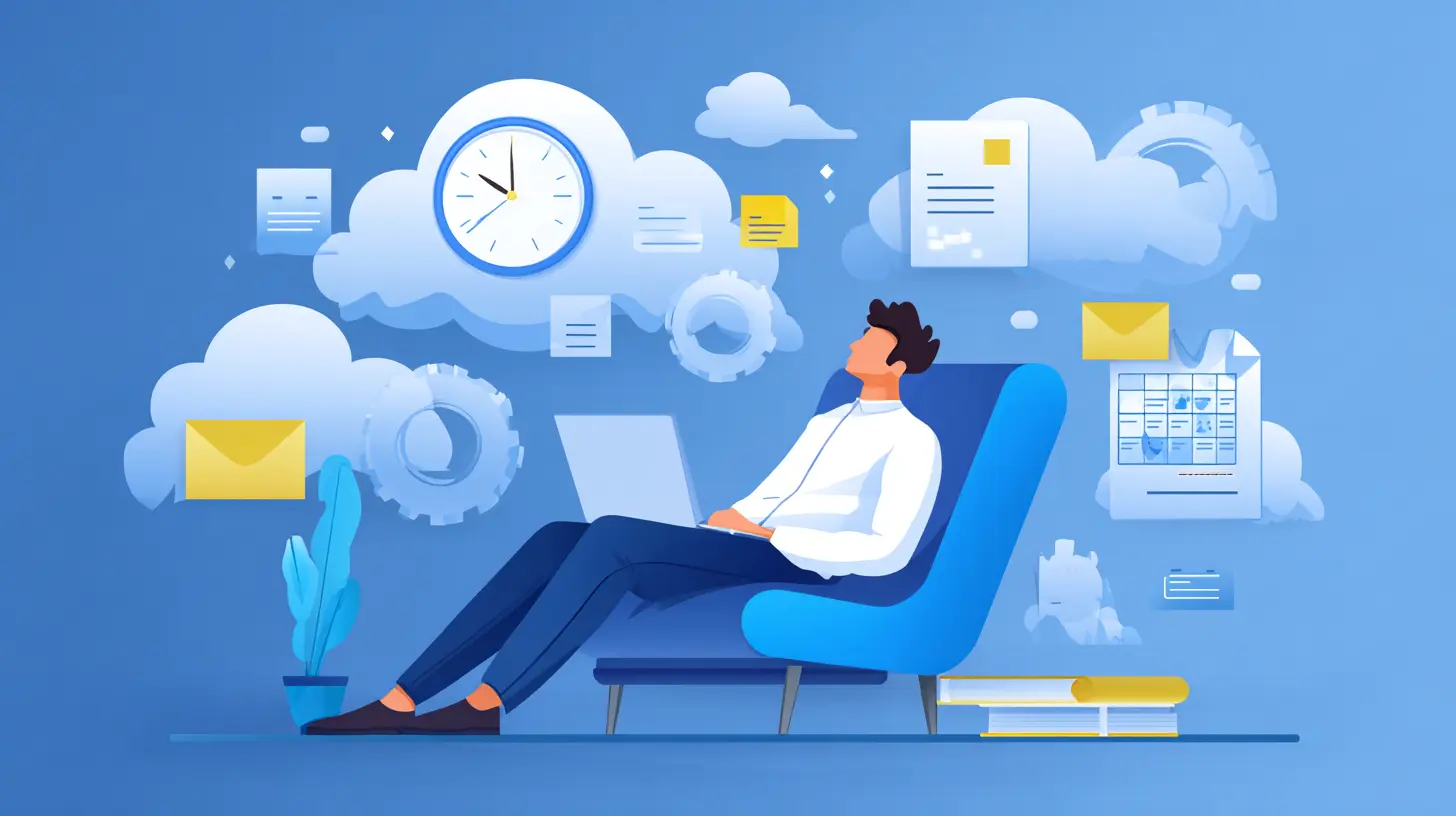
Remember when “productivity” meant checking off a to-do list and calling it a day? Those days are gone. In 2026, the best SaaS tools don’t just track your tasks—they anticipate your needs. Think of them like a personal assistant who knows you finish your best work in the morning, hates long meetings, and always forgets to follow up on that one email.The shift is subtle but massive. Instead of forcing you to adapt to the software, the software adapts to you. It learns your work patterns, your communication style, and even your energy levels. Sound creepy? Maybe a little. But it’s also incredibly liberating. You stop fighting your tools and start focusing on what actually matters: doing great work.
I’ll give you a concrete example. One of the biggest pain points in 2025 was notification overload. Every app wanted your attention, and your brain was the battlefield. By 2026, smart SaaS tools use AI to prioritize notifications. They ask: “Is this urgent? Is this relevant? Is this from a human or a bot?” If it’s a bot-generated reminder about a low-priority task, it waits. If it’s your boss asking about a deadline that’s due in an hour, it breaks through. Finally, sanity.
The Core Pillars of Modern Productivity (Hint: It’s Not Just Tools)
Before we get into the shiny new software, let’s set the stage. Productivity in 2026 isn’t about using more tools—it’s about using the right tools in the right way. I like to think of it like building a house. You wouldn’t buy every power tool at the hardware store and hope for the best, right? You’d pick a hammer, a saw, and a level. Same logic applies here.The three pillars are:
1. Context-aware automation – Letting software handle the repetitive stuff so you don’t have to.
2. Deep integration – Tools that talk to each other without you playing translator.
3. Human-centered design – Interfaces that respect your attention span and mental energy.
Master these, and you’re golden. Ignore them, and you’ll end up with a digital toolbox that’s more chaos than help.
The Must-Have SaaS Tools of 2026 (And How to Use Them)
Alright, let’s get to the good stuff. I’ve tested, trialed, and sometimes rage-quit dozens of tools this year so you don’t have to. Here are the ones that actually deliver.1. Task Management That Reads Your Mind: FlowState 3.0
Task managers have always been a dime a dozen. But FlowState 3.0? It’s different. It uses something called “predictive task sequencing.” Basically, it watches how you work—when you’re most creative, when you hit a slump, how long you typically spend on similar tasks—and then it suggests the order you should tackle your day.I was skeptical at first. “Oh great, another algorithm telling me what to do,” I thought. But after a week, I noticed something weird: I was finishing my hardest tasks before lunch. Why? Because FlowState noticed I had the most mental clarity between 9 and 11 AM, so it pushed my high-focus work there. The low-effort stuff (emails, data entry) got bumped to the afternoon.
Pro tip: Don’t fight the suggestions. Give it two weeks. Your productivity metrics will speak for themselves.
2. The Collaboration Tool That Killed Email: SyncSpace AI
Let’s be honest: Email is the digital equivalent of a crowded hallway where everyone’s shouting. SyncSpace AI doesn’t just replace email—it reimagines how teams communicate. It uses natural language processing to categorize messages into “urgent,” “need input,” and “FYI.” Then, it creates a shared workspace where decisions happen in real-time, not in a thread that’s 47 messages long.What I love most is the “contextual memory” feature. It remembers every decision your team made in the past six months. So when someone says, “Didn’t we already agree on this?” SyncSpace surfaces the exact conversation. No more “I think we talked about this in the meeting last Tuesday” nonsense.
3. Automation Without the Headache: ZapFlow
Zapier was great, but it always felt like it required a bit of a learning curve. ZapFlow, the 2026 evolution, is different. It uses generative AI to let you describe automations in plain English. For example, you can type: “Every time I get a new lead from our website, create a task in my project manager, send a welcome email, and add the contact to our CRM.” Done. No triggers, no actions, no mapping fields.I set up a workflow in under two minutes that used to take me an hour. And the best part? It learns from corrections. If you tweak a step, it remembers your preference for similar automations in the future.
4. Focus Enhancer That Actually Works: DeepWork
We’ve all tried focus apps. They either make you feel like a robot or they’re too lenient. DeepWork takes a different approach. It uses biometric data (with your permission, of course) from your wearable device—heart rate variability, skin temperature, even movement patterns—to detect when you’re in a flow state. Then it blocks distractions only when you’re actually deep in work.Here’s the genius part: If your heart rate spikes because you’re stressed (not because you’re focused), it suggests a break or a breathing exercise. It’s like having a mindfulness coach built into your workflow. I’ve gone from 3 hours of deep work a day to nearly 6. Game changer.
5. The Ultimate Knowledge Hub: Notion 2026
Notion has been around, but the 2026 version is a beast. It now comes with “AI-powered knowledge graphs.” Instead of just storing notes and databases, it connects them intelligently. For instance, you can search for “marketing strategy” and it’ll show you not just the relevant document, but also the meeting notes where it was discussed, the tasks related to it, and even the Slack messages that referenced it.It’s like having a second brain that never forgets. I use it for everything—from personal journaling to project roadmaps. And because it’s so flexible, it doesn’t force you into a rigid structure. You can shape it to fit your brain, not the other way around.
How to Avoid the “Tool Overload” Trap
Here’s the uncomfortable truth: You can have the best tools in the world, but if you’re using six different apps that don’t talk to each other, you’re still going to feel overwhelmed. The key is to be ruthless about integration.I follow a simple rule: Every tool I use must connect to at least two others via native integrations or ZapFlow. If it doesn’t, it’s out. Why? Because the goal isn’t to collect tools—it’s to create a seamless workflow where data flows effortlessly.
Think of it like a kitchen. You don’t need a separate gadget for every vegetable. You need a good knife, a cutting board, and maybe a peeler. The rest is clutter. Apply that same logic to your SaaS stack.
Real-World Workflow: How I Use These Tools Together
Let me paint a picture of a typical Tuesday in my life with these tools.8:30 AM: I open FlowState 3.0. It shows me my prioritized list for the day. The top task is “Draft blog outline for Q3 content plan.” It suggests I do this first because my focus window is open.
9:00 AM: I dive into the draft. DeepWork is running in the background. My wearable detects I’m in flow—heart rate steady, movement minimal. It silences all notifications except urgent ones from my boss.
10:45 AM: DeepWork alerts me that my focus energy is dropping. It suggests a 5-minute break. I take a quick walk.
11:00 AM: I check SyncSpace AI. A teammate left a comment on the draft asking for clarification. I respond in real-time. The tool automatically logs the decision in the project’s knowledge base.
12:30 PM: Lunch. I don’t touch anything.
2:00 PM: Back to work. Low-energy tasks: email triage, data entry. ZapFlow handles 80% of my routine replies. I only step in for nuanced responses.
4:00 PM: Weekly team sync. SyncSpace AI generates an agenda based on recent activity. The meeting is 20 minutes instead of an hour.
5:30 PM: Wrap up. FlowState gives me a summary of what I accomplished and what’s shifted to tomorrow. I don’t have to think about it.
Notice a pattern? The tools aren’t doing the work for me—they’re removing friction so I can focus on the creative, strategic stuff. That’s the real magic.
The Hidden Gem: Emotional Productivity
We don’t talk about this enough, but productivity isn’t just about time management—it’s about energy management. The best SaaS tools of 2026 are starting to address this. For example, some apps now include “mood tracking” features that let you log how you feel during different tasks. Over time, they identify patterns. Maybe you’re most creative when you’re calm, or you do your best analysis work when you’re slightly energized.I started using a simple mood log in Notion 2026, and it revealed something surprising: I was scheduling my most demanding tasks on days when I had back-to-back meetings. No wonder I felt drained. Now I block out “low social energy” days for deep work. It sounds basic, but the data made it undeniable.
Common Mistakes to Avoid in 2026
Even with the best tools, it’s easy to slip into bad habits. Here are the pitfalls I see most often:- Over-automation: Just because you can automate something doesn’t mean you should. If a task takes 30 seconds, automating it often isn’t worth the setup time. Save automation for repetitive, multi-step processes.
- Ignoring the learning curve: Every tool has a 2-week adjustment period. Don’t judge it on day one. Give it a fair shot.
- Tool hopping: If you switch tools every month, you never get deep enough to reap the benefits. Pick a stack and commit for at least a quarter.
- Forgetting the human element: No tool can replace a good conversation, a walk outside, or a good night’s sleep. Use SaaS to enhance your life, not replace it.
The Future Is Already Here
Look, I’m not saying these tools will turn you into a productivity superhero overnight. But I’ve seen firsthand how they can transform a chaotic workflow into something that feels almost effortless. The key is to start small. Pick one tool from this list—maybe FlowState or ZapFlow—and integrate it into your routine for two weeks. See how it feels.Remember, the goal isn’t to do more. It’s to do what matters, with less friction, and more focus. And in 2026, the SaaS tools are finally ready to help you get there.
So, what are you waiting for? Your most productive year is just a few clicks away.
all images in this post were generated using AI tools
Category:
Saas ToolsAuthor:

John Peterson
Discussion
rate this article
2 comments
Iliana Morales
As we step into 2026, the latest SaaS tools promise not just efficiency but a glimpse into a future where productivity merges with AI in ways we never imagined. Are we ready to embrace this shift, or will it overwhelm us?
May 4, 2026 at 12:40 PM
John Peterson
Great point! Embracing these tools will definitely reshape our workflows. It's all about finding the right balance to harness their potential without feeling overwhelmed.
Lena Lynch
This article expertly highlights the cutting-edge SaaS tools of 2026 that can elevate productivity. I appreciate the practical insights and clear examples provided, making it easier for professionals to integrate these innovations into their workflows for maximum efficiency. Great read!
April 28, 2026 at 11:59 AM
John Peterson
Thank you for your kind words! I'm glad you found the insights and examples helpful for boosting productivity.