Network Switches Explained: A Beginner’s Guide
8 December 2025
The world of networking might seem a bit overwhelming at first, especially if you're new to it. You might have heard terms like routers, modems, or even firewalls being thrown around, but today, we're going to focus on one essential piece of the puzzle—network switches. Whether you're setting up a home office, expanding a small business network, or just curious, understanding network switches will give you a clearer picture of how your devices communicate. So, let’s break it down in the simplest way possible.
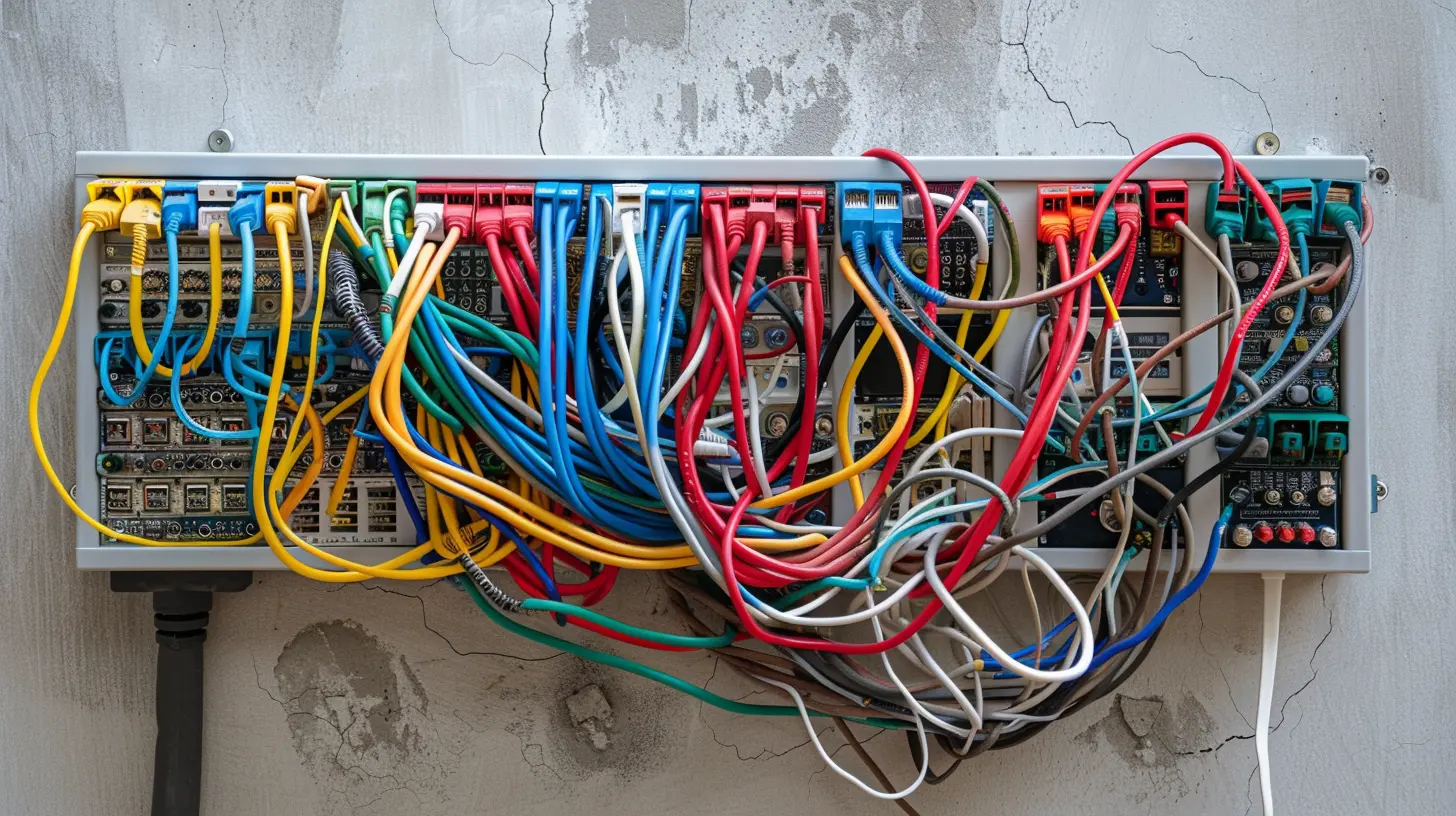
What is a Network Switch?
Let’s start with the basics. A network switch is a device that connects multiple devices (like computers, printers, or servers) within the same network. Think of it as the conductor of an orchestra, directing data traffic between devices in a way that makes sure everything moves in harmony.Imagine you have a bunch of people in a room, and they're all trying to talk to each other at once. Without someone to manage who speaks to whom, the room would be chaotic. A switch steps in as that traffic manager, ensuring that data gets from point A to point B without causing a mess.
In short, switches help devices communicate efficiently, ensuring that data packets (the information being transferred) reach their intended destination without collisions or confusion.
Switch vs. Router: What’s the Difference?
Here’s a question that often pops up: What’s the difference between a switch and a router? It's easy to get confused because both are critical to a network’s functioning, but they serve different roles.- A router connects different networks together. It’s like the gatekeeper between your internal network (say, your home Wi-Fi) and the external internet.
- A switch, on the other hand, works within a network. It doesn’t deal with outside traffic but manages communication between devices on the same local network.
Think of a router as your home’s front door, letting people (or data) come in and out, while the switch is like a hallway connecting the rooms inside your house.
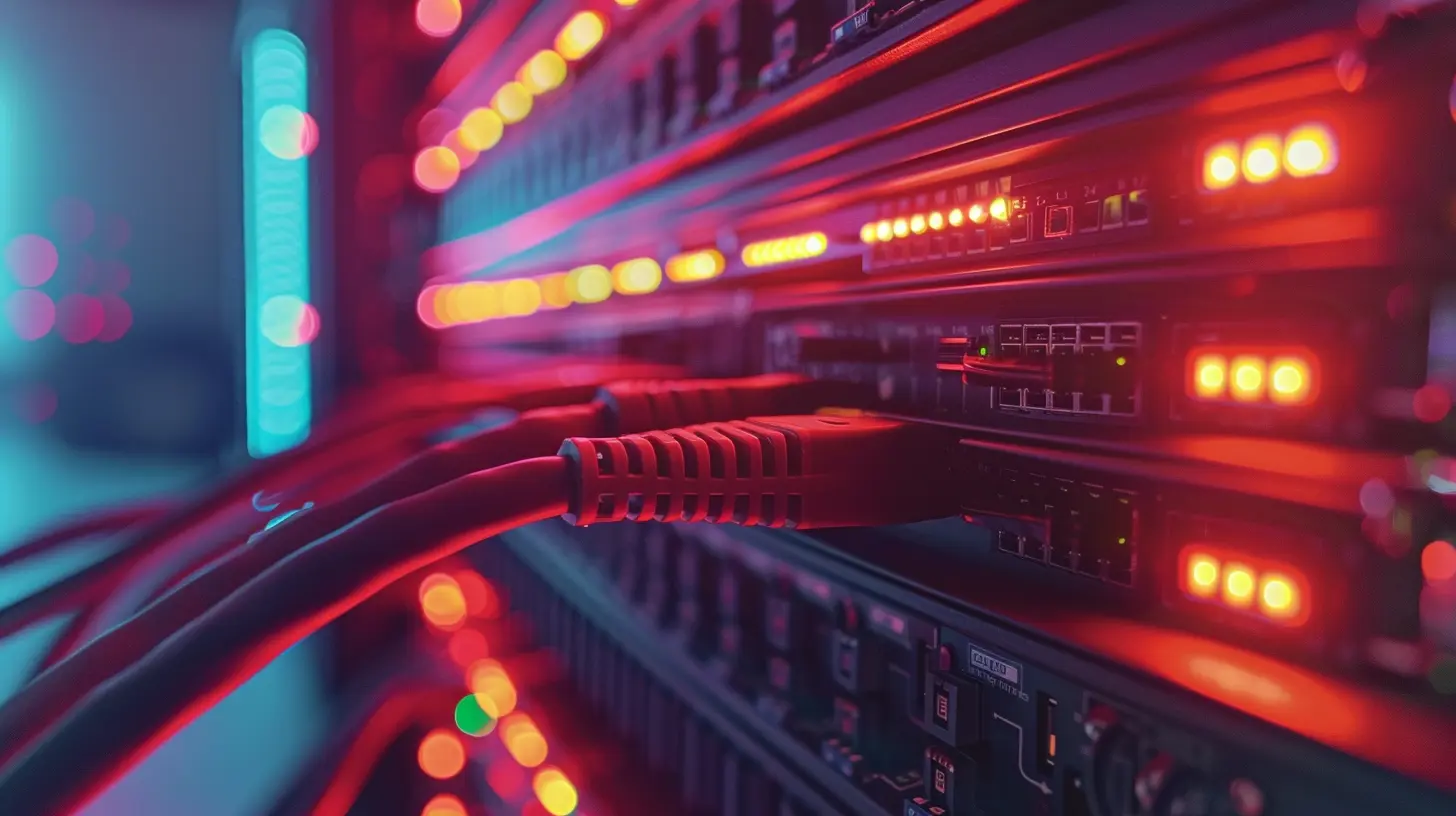
How Does a Network Switch Work?
Let’s get a bit more technical (but not too much, don’t worry). When data moves across a network, it’s broken down into packets. These packets have two key pieces of information:1. The source address (where the data is coming from).
2. The destination address (where the data is going).
When a packet arrives at the switch, it checks the destination address and then forwards the packet to the correct device. The magic of switches is that they only send the data to the intended recipient, unlike older devices like hubs, which used to broadcast data to all connected devices indiscriminately.
A switch ensures that data travels directly from one device to another without interruptions or unnecessary detours. This makes your network faster and more efficient.
Types of Network Switches
Not all switches are created equal. Depending on your needs, you’ll encounter different types of switches. Let’s explore the most common ones:1. Unmanaged Switches
An unmanaged switch is the most basic type. It’s a plug-and-play device that doesn’t require any configuration. You just plug in your devices, and the switch handles the rest. These switches are perfect for home setups or small businesses where network traffic isn’t too complex.- Pros: Simple to use, no setup required, affordable.
- Cons: No advanced features or control over network traffic.
2. Managed Switches
A managed switch is a bit more advanced. It gives you greater control over your network’s traffic and allows you to configure, monitor, and manage how data is handled. Managed switches are typically used in larger or more complex networks, such as those found in businesses or data centers.- Pros: Offers control over network settings, better performance, advanced security options.
- Cons: More expensive, requires network management knowledge.
3. PoE (Power over Ethernet) Switches
Power over Ethernet (PoE) switches are unique because they can deliver both data and electrical power over the same Ethernet cable. This is super handy for devices like IP cameras, wireless access points, or VoIP phones, which need both power and data to function.- Pros: Reduces the need for separate power cables, simplifies setup for certain devices.
- Cons: Slightly more expensive due to the added functionality.
4. Layer 2 vs. Layer 3 Switches
Without getting too deep into networking jargon, there are two main types of switches based on how they operate within the OSI model (a framework that explains how data flows in a network):- Layer 2 Switches: These switches operate at the data link layer of the OSI model. They use MAC addresses to forward data and are typically used for basic switching tasks.
- Layer 3 Switches: These switches operate at both the data link and network layers. They can route traffic between different networks (similar to what a router does), making them more versatile for larger networks.
Layer 2 switches are common in smaller networks, while Layer 3 switches are used in larger, more complex environments where routing between subnets is required.
Why Are Network Switches Important?
Okay, by now you might be wondering, “Why should I even care about network switches?” Well, whether you realize it or not, they play a crucial role in your daily internet experience. Here’s why they matter:1. Improved Network Performance
Switches help reduce congestion in your network. By ensuring that data only goes where it’s supposed to, they cut down on unnecessary traffic. This means faster, more efficient communication between devices, which translates to better performance overall.2. Scalability
As your network grows, you’ll need more devices to communicate with each other. Switches allow you to expand your network by adding more devices without compromising performance. Whether you’re adding new computers, printers, or servers, switches make it easy to scale.3. Enhanced Security
Managed switches, in particular, come with advanced security features, such as VLANs (Virtual Local Area Networks) and access control lists (ACLs). These features allow you to segment your network and control who has access to what, providing an extra layer of protection.4. Cost-Effective Solution
For businesses, investing in a good network switch can save money in the long run. Instead of needing multiple routers or complex setups, a switch can simplify your network infrastructure while providing reliable performance.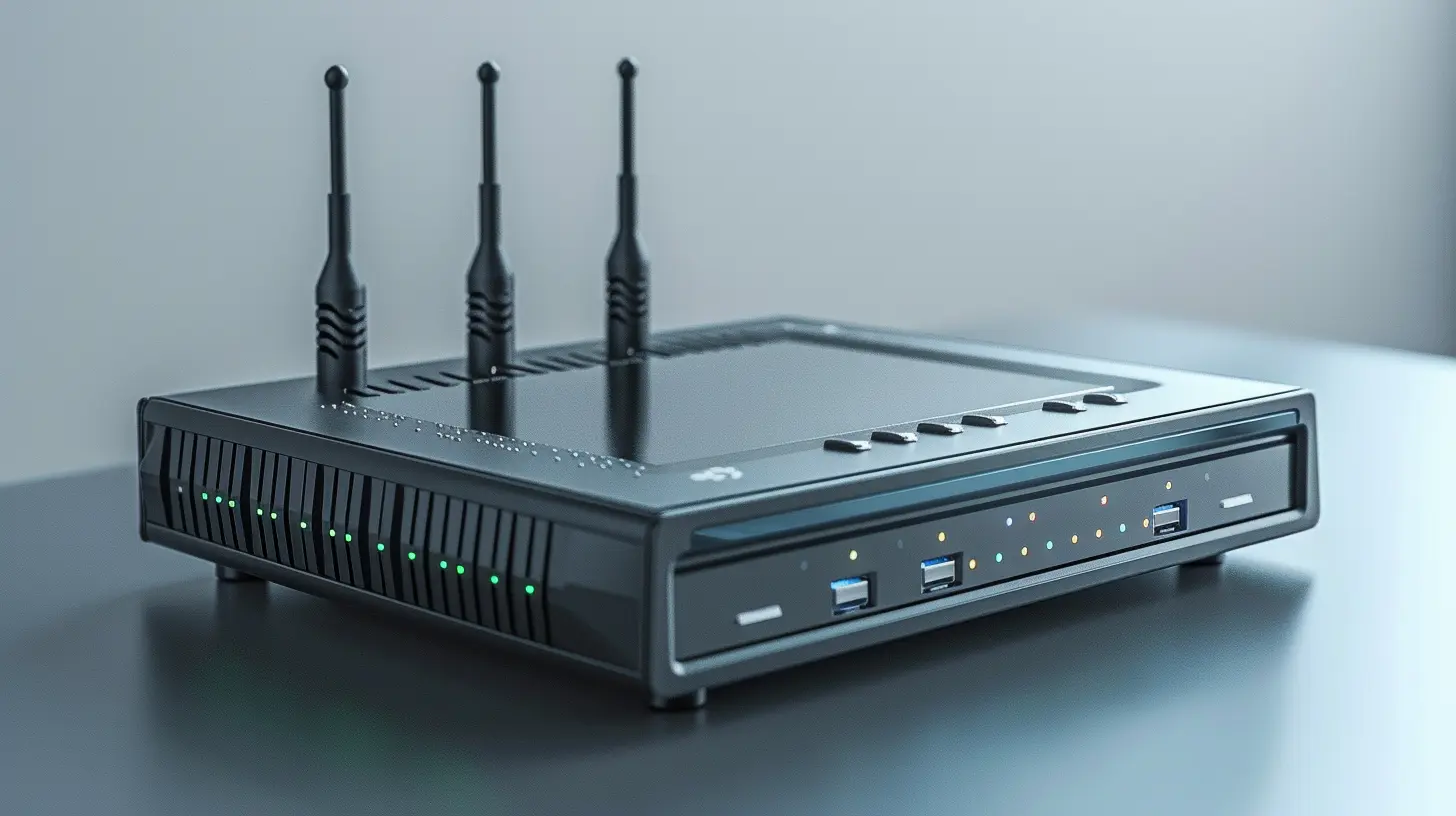
Key Features to Look for in a Network Switch
If you’re in the market for a network switch, here are some key features to keep an eye on:1. Number of Ports
The more devices you need to connect, the more ports you’ll need. Switches come with varying numbers of ports, from as few as 4 to as many as 48 or more. Make sure you choose one that fits your current and future needs.2. Speed
Switches come in different speeds, typically Fast Ethernet (100 Mbps), Gigabit Ethernet (1 Gbps), and 10 Gigabit Ethernet (10 Gbps). Gigabit switches are the most common today and offer a good balance between speed and cost.3. PoE Capability
If you’re planning to connect devices like IP cameras or VoIP phones, a PoE switch can simplify your setup by delivering power and data over the same cable.4. Management Features
If you’re running a small home office, an unmanaged switch will likely do the job. But for larger setups, consider a managed switch that provides advanced control and monitoring features.5. VLAN Support
Virtual LANs (VLANs) allow you to segment your network for better security and management. This is particularly useful in business environments where different departments or teams need to be on separate networks.Setting Up a Network Switch: A Quick Guide
Setting up a network switch is surprisingly easy, even if you’re not a networking pro. Here’s a quick step-by-step guide:1. Choose the Right Location: Place your switch in a central location, preferably near your router or modem.
2. Connect Your Devices: Use Ethernet cables to connect your devices (computers, printers, etc.) to the switch’s ports.
3. Connect the Switch to Your Router: Use another Ethernet cable to connect the switch to your router. This allows your devices to communicate with the internet.
4. Power It On: Plug in the switch’s power cable and turn it on. If it’s an unmanaged switch, you’re all set. If it’s a managed switch, you’ll need to configure it using the provided software or web interface.
Conclusion
And there you have it—network switches explained in a (hopefully) simple and straightforward way! Whether you're just getting started with networking or looking to expand your knowledge, understanding the role of switches is a key piece of the puzzle. They might not get as much attention as routers or fancy Wi-Fi systems, but switches are the unsung heroes of a smooth, efficient network.So next time your devices are seamlessly communicating or your internet is blazing fast, you might just have your network switch to thank for that!
all images in this post were generated using AI tools
Category:
NetworkingAuthor:

John Peterson
Discussion
rate this article
2 comments
Callisto McQuade
This article offers a fantastic overview of network switches for beginners. It breaks down complex concepts into easy-to-understand terms, making it accessible for those new to networking. I particularly appreciated the clear examples and insights on choosing the right switch. A must-read for anyone diving into networking fundamentals!
December 18, 2025 at 1:04 PM
John Peterson
Thank you for your thoughtful feedback! I'm glad you found the article helpful and accessible for beginners. Happy networking!
Sarah O'Neal
Network switches: the unsung heroes of tech! Like traffic cops for data, ensuring packets don’t collide—because nobody wants a digital pile-up. Let’s switch on the fun!
December 10, 2025 at 5:24 AM
John Peterson
Thanks for the great analogy! Network switches really do keep our data flowing smoothly, and I appreciate your enthusiasm for their crucial role in tech. Let's keep the conversation going!