Why Ultrabooks Are the Perfect Devices for Frequent Flyers
16 February 2026
Let’s face it — traveling frequently comes with its fair share of challenges. Delayed flights, cramped airline seats, airport Wi-Fi that crawls at a snail’s pace, and worst of all, lugging around a heavy, clunky laptop that feels like a gym weight. If you’re someone who’s often in the skies and living out of a suitcase, the last thing you want is your tech slowing you down.
Enter the Ultrabook — the travel companion you never knew you needed until now.
These sleek devices have carved out a reputation for being the go-to laptops for people always on the move. Whether you're a digital nomad, a globe-trotting entrepreneur, or a remote employee in search of the perfect airport lounge, Ultrabooks tick all the right boxes. But what exactly makes them perfect for frequent flyers? Stick around — we’re breaking it all down.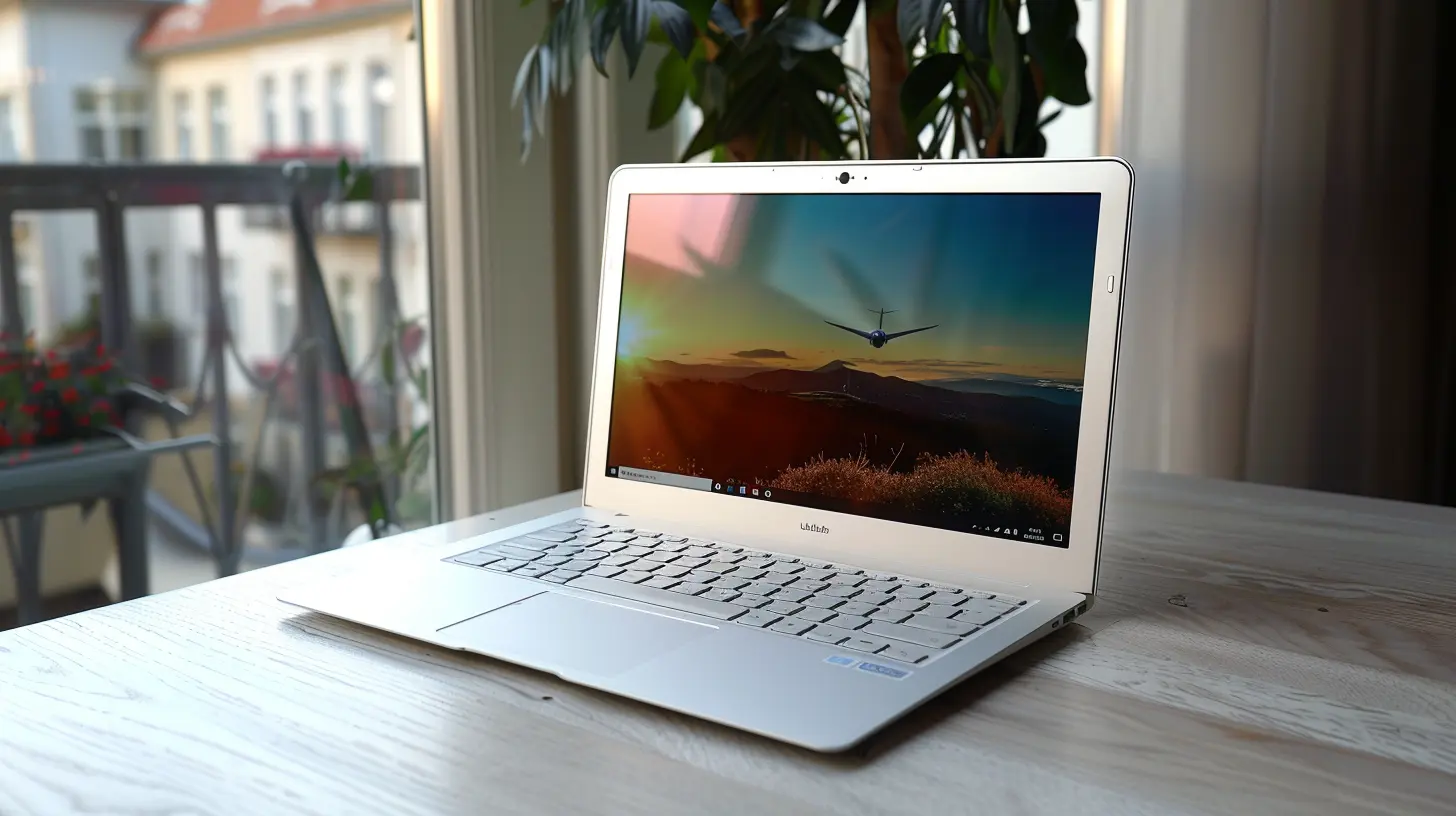
What Is an Ultrabook, Anyway?
Before we dive into the good stuff, let’s answer the obvious question.An Ultrabook is basically a high-end, super-light, ultra-thin laptop designed with portability and performance in mind. Intel originally coined the term a few years back, and it stuck. Think of it as the sports car of laptops — fast, sleek, reliable, and built for action.
Ultrabooks aim to offer the best of both worlds: the power of a traditional laptop combined with the portability of a tablet. It’s not just about being thin — it’s about being efficient, stylish, and ready to work (or play) wherever you are.
Compact and Lightweight: Say Goodbye to Shoulder Pain
Let’s be honest — nobody enjoys dragging a bulky 5-pound laptop through TSA checkpoints. That’s a one-way ticket to back pain. Ultrabooks, on the other hand, typically weigh under 3 pounds and are less than 0.8 inches thick. That means you can slip one into your backpack or briefcase and forget it’s even there.Ever tried working on a long-haul flight with one of those old, heavy laptops? It’s like trying to cook a five-course meal in a phone booth. Ultrabooks are slim enough to fit on your tray table comfortably, giving you enough elbow room to actually get stuff done.
And bonus? Your shoulders will thank you later.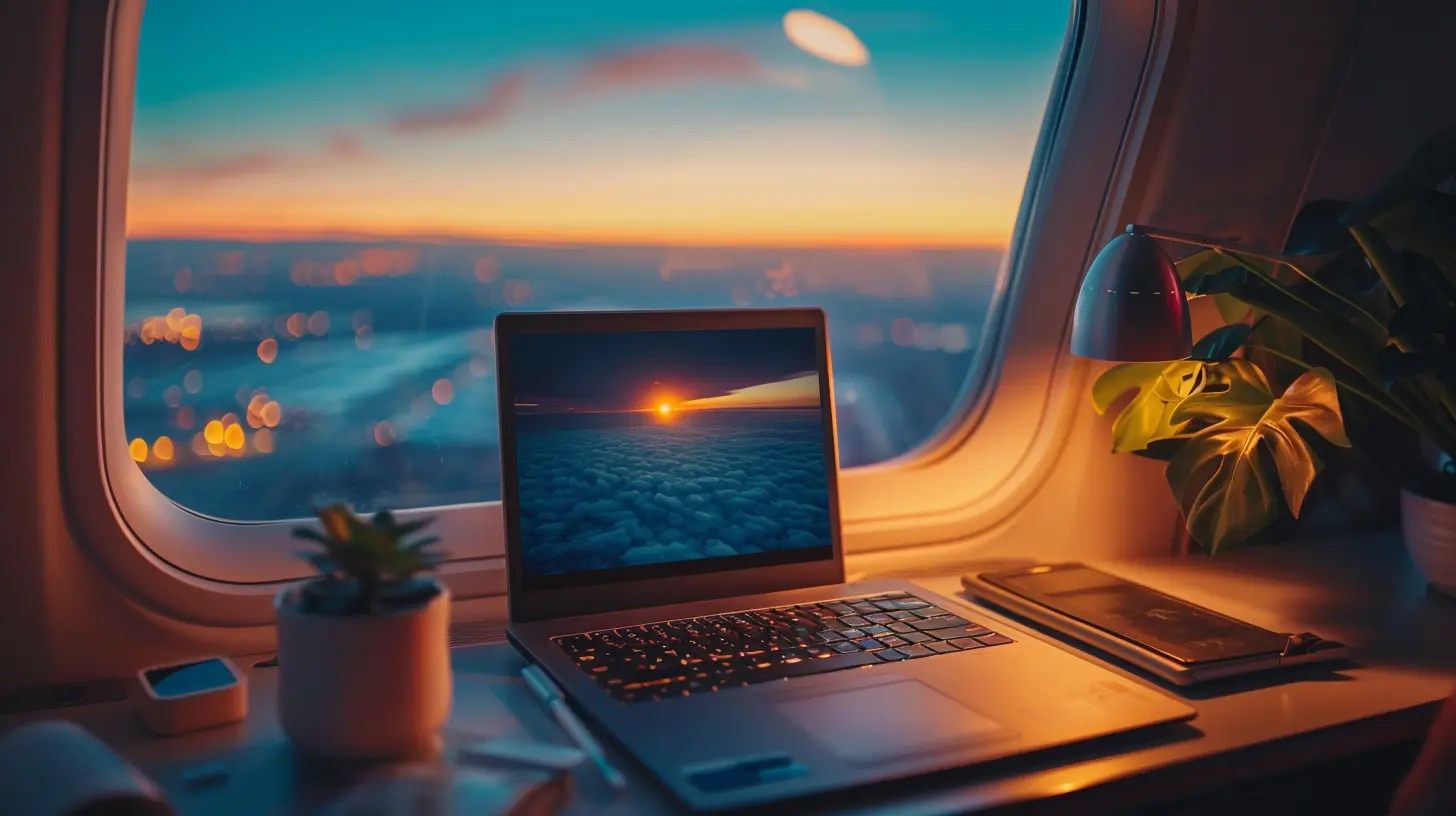
Battery Life That Goes the Distance
No power outlet? No problem.One of the biggest headaches for frequent flyers is limited battery life on their devices. You could be halfway through editing your presentation or binge-watching your favorite show when — boom — your battery dies, and there's no charging port in sight (because someone else beat you to it).
Ultrabooks are known for their impressive battery life, with many models offering between 10 to 20 hours on a single charge. Some of the newest models even boast fast-charging capabilities, giving you hours of juice with just a 30-minute plug-in.
That’s not just convenient — it’s game-changing for anyone who spends more time in the air than on the ground.
Speed and Performance: No More Lagging Around
You’re running late for a meeting. You need to fire off some emails and check in on a spreadsheet ASAP. The last thing you want is your laptop taking forever to boot up or load apps.Ultrabooks come packed with the latest generation processors (usually Intel Core i5 or i7), speedy SSDs (solid-state drives), and plenty of RAM — all of which translate to lightning-fast performance. Whether you’re multitasking like a boss, editing documents, or hopping on Zoom calls, these laptops keep up without breaking a sweat.
They’re not gaming rigs, sure, but for productivity and general travel use? Absolute powerhouses.
Super Sleek Designs That Scream Professionalism
First impressions matter — especially in business.Ultrabooks are designed not only to perform well but also to look the part. With premium materials like aluminum or magnesium alloys, edge-to-edge displays, and ultra-high resolution screens, these devices ooze sophistication.
Pull one of these out during a business meeting or at your coworking space abroad and you’ll look like you’ve got your act together (even if you’re running on three hours of sleep and airport coffee).
Rapid Boot-Up and Instant Wake: Because Every Second Counts
Time is money, right? And nobody wants to sit there twiddling their thumbs while their laptop decides it's finally ready to work.Thanks to SSDs and modern operating systems, Ultrabooks boot up in seconds and wake from sleep almost instantly. That means whether you’ve just landed in Tokyo or are waiting to board in Frankfurt, you can pop open your laptop and dive right back into work without missing a beat.
It's like having a digital assistant that’s always one step ahead.
Easy Connectivity on the Go
Let’s talk ports.While Ultrabooks are thin, they’re not short on connectivity. Most offer a healthy mix of USB-C, Thunderbolt, HDMI (on some models), and even microSD card slots. That makes it easy to connect to projectors, external monitors, and accessories — something that’s often overlooked but super important when you're traveling.
And if your Ultrabook has Wi-Fi 6 or 6E? That means you’ll get faster, more stable internet even on crowded airport networks. No more lagging Zoom calls while you announce your boarding gate to 50 colleagues.
Built-In Security for Peace of Mind
Frequent travel means you're often connecting to public Wi-Fi networks — airports, hotels, cafes, you name it. Unfortunately, these networks are not exactly Fort Knox when it comes to cybersecurity.Ultrabooks typically offer biometric security options like fingerprint scanners or facial recognition, along with encrypted storage and TPM (Trusted Platform Module) chips. You can also easily enable VPNs and firewalls to protect your data while you’re browsing on the go.
That added layer of protection? Totally worth it when you’re handling sensitive business files or just don’t want your emails snooped on by a guy two seats over.
Versatile Usage: Work, Watch, and Wind Down
Sure, Ultrabooks are built for work — but they’re not all business.With crisp Full HD or 4K displays, great speakers (in some models), and incredible color accuracy, you can binge-watch Netflix or edit vacation photos in your downtime. Some Ultrabooks even come with touchscreen functionality or 2-in-1 convertibility, so you can use them as tablets when you just want to scroll through eBooks or catch up on news.
It’s like having five gadgets rolled into one — saving you precious luggage space and reducing the gadget clutter.
Best Ultrabooks for Frequent Flyers (2024 Edition)
If you’re sold on the idea but don’t know where to start, here are some top Ultrabooks worth considering:1. Dell XPS 13 Plus
- Ultra-sleek design- Edge-to-edge display
- Great performance with 13th Gen Intel CPUs
2. Apple MacBook Air M2
- Long battery life (up to 18 hours!)- Lightweight and fanless
- Super fast with Apple’s M2 chip
3. HP Spectre x360
- 2-in-1 convertible flexibility- OLED display option
- Fantastic keyboard for typing on the go
4. Lenovo Yoga 9i
- Powerful and stylish- Great for media consumption
- Built-in stylus for creatives
Each of these machines has its own perks, so the best one for you depends on your travel style, work needs, and budget.
The Bottom Line: Why Ultrabooks and Frequent Flyers Are a Match Made in Tech Heaven
Traveling frequently demands a lot from your tech. You need something light enough to carry, powerful enough to handle serious work, and smart enough to keep your data safe.Ultrabooks check every box — and then some.
They’re fast, portable, stylish, and long-lasting. Whether you’re jetting from coast to coast or country to country, an Ultrabook won’t hold you back. In fact, it’ll probably become the one piece of tech you’ll never leave home without.
So next time you're packing for your trip, skip the bulky laptop. Grab an Ultrabook — and fly smarter, not harder.
all images in this post were generated using AI tools
Category:
UltrabooksAuthor:

John Peterson
Discussion
rate this article
2 comments
Astra McKenzie
Ultrabooks blend performance and portability, making them essential for frequent flyers. Their sleek design and powerful capabilities empower productivity on the go, while long battery life ensures connectivity even in the air. As travel evolves, these devices symbolize the intersection of technology and mobility, enhancing the modern travel experience.
March 18, 2026 at 5:15 AM
John Peterson
Thank you for your insightful comment! I completely agree—ultrabooks truly embody the ideal balance of power and portability, making them invaluable for frequent travelers. Their design and durability enhance productivity anywhere!
Seraphis Montgomery
Ultrabooks redefine travel convenience; lightweight, powerful, and essential for flyers.
February 18, 2026 at 6:02 AM
John Peterson
Thanks! Lightness meets productivity at 30,000 feet.