Can Ultrabooks Handle Video Editing? Breaking Down the Performance
25 May 2026
So, you’re in the market for a new laptop and you’ve probably come across the term "Ultrabook" more times than you can count. These sleek, lightweight machines seem to be the perfect travel companions, ideal for working on the go. But what if you're a video editor? Can an Ultrabook handle the demands of video editing software, or are you better off investing in a beefier machine?
In this article, we're going to break down just how capable Ultrabooks are when it comes to video editing. We’ll dive into the essential performance aspects, discuss the trade-offs, and help you figure out if an Ultrabook is the right choice for your video editing needs.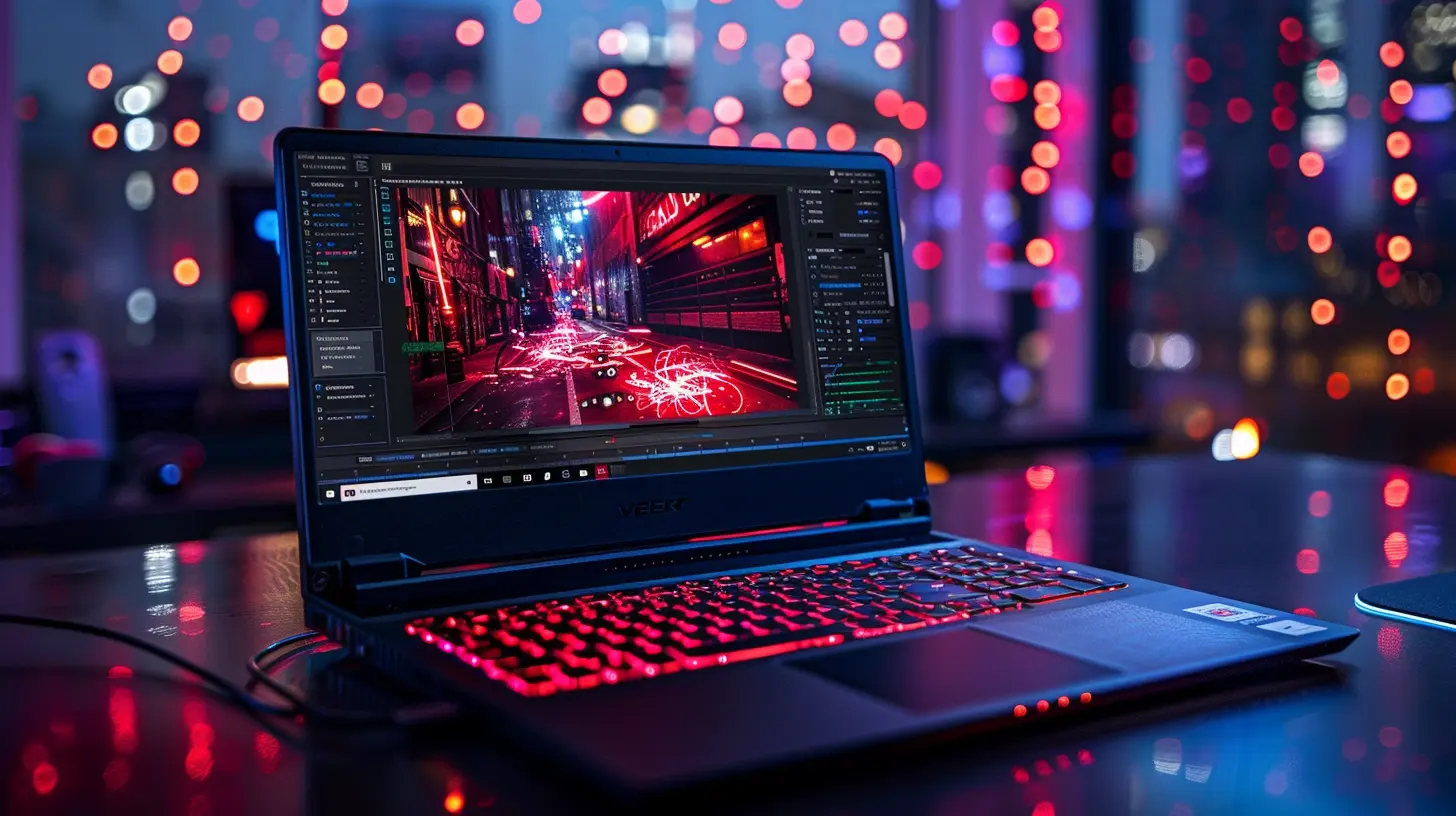
What Exactly Is an Ultrabook?
Before we get into the nitty-gritty of video editing performance, let’s clarify what an Ultrabook actually is. Coined by Intel, the term "Ultrabook" refers to a category of ultra-portable, lightweight laptops designed to offer a mix of performance and portability. Typically, they weigh less than 3 pounds, feature SSD storage, and have long battery life.They sound like a dream, right? But there’s a catch—these machines are often optimized for tasks like web browsing, office work, and media consumption. So, the big question is: Can an Ultrabook handle the heavy lifting required for video editing?
What Does Video Editing Demand?
Before dissecting whether Ultrabooks are up to the challenge, it's essential to understand the key hardware components needed for video editing. Video editing software (like Adobe Premiere Pro, Final Cut Pro, or DaVinci Resolve) is resource-intensive, making significant demands on your CPU, GPU, RAM, and storage. Let’s break these down:1. CPU (Processor)
The CPU is the brain of your computer, and video editing loves a strong brain! Most editing software utilizes multiple CPU cores to process video frames, apply effects, and render the final product. For smooth editing, you’ll want at least a quad-core processor.2. GPU (Graphics Card)
A dedicated GPU (Graphics Processing Unit) can dramatically speed up rendering times and improve the overall editing experience, especially if you're dealing with 4K footage or above. Many Ultrabooks rely on integrated graphics, which aren't as powerful as dedicated GPUs.3. RAM (Memory)
When you're working with large video files, having enough RAM is crucial for smooth playback and multitasking. Ideally, you’ll want at least 16GB of RAM for 1080p editing. If you're working with 4K or higher, 32GB is a safer bet.4. Storage (SSD vs. HDD)
Video files are massive, and editing them generates even more data through caches and temporary files. An SSD (Solid State Drive) is a must for fast read/write speeds, which ensures quicker project loading times and smoother playback.5. Display
Let’s not forget the importance of a high-quality display. A screen with accurate colors and high resolution can be a game-changer for video editing, especially when you’re color grading or working with intricate details.
How Do Ultrabooks Stack Up?
Now that we’ve outlined the core components, let’s see how Ultrabooks measure up. Keep in mind, not all Ultrabooks are created equal. Some high-end models pack more powerful hardware, but they all share the same general design philosophy: light, thin, and energy-efficient.1. CPU Performance in Ultrabooks
Most Ultrabooks are equipped with Intel's U-series or P-series processors, or AMD Ryzen equivalents. These chips are designed to balance performance and power efficiency. While they’re great for everyday tasks, they may struggle under the heavier workloads of video editing software.That said, newer Ultrabooks featuring Intel’s 11th or 12th Gen processors (like the Intel Core i7-1185G7) or AMD Ryzen 5000 series can handle light to moderate video editing. If you’re working with 1080p footage and applying basic effects, you should be fine. But if you're dealing with 4K footage or complex effects, you may start to see some slowdowns.
2. GPU: Integrated vs. Dedicated
Here’s where things get a bit tricky. Many Ultrabooks, especially budget or mid-range models, rely on integrated graphics. Intel’s Iris Xe or AMD’s integrated Vega graphics are decent for casual gaming and light creative work, but they’re not ideal for heavy-duty video editing.However, some premium Ultrabooks, like the Dell XPS 15 or Razer Blade Stealth, offer discrete GPUs (like the NVIDIA GTX 1650) in a slim form factor. These GPUs can significantly boost rendering performance and make handling 4K footage more manageable.
3. RAM: Is 16GB Enough?
Most Ultrabooks come with 8GB or 16GB of RAM, and while 8GB is fine for casual use, it’s not enough for video editing in most cases. If you’re serious about editing, aim for a model with 16GB of RAM at a minimum. Some higher-end Ultrabooks do offer 32GB configurations, but they come at a premium price point.4. SSD Storage: How Much Do You Need?
Nearly all modern Ultrabooks come with SSDs, which is excellent news for video editors. However, many of these laptops start with 256GB or 512GB of storage, which can fill up fast when you're working with large video files. You’ll want at least 1TB of storage or be prepared to invest in an external SSD to store your projects.5. Display Quality
Ultrabooks often boast stunning displays with high resolutions (quad HD or even 4K), which is fantastic for video editing. Some models, like the MacBook Pro or Dell XPS, offer nearly color-perfect screens with wide color gamuts that are ideal for color grading. If the screen quality is a priority for you, make sure to check the color accuracy and resolution before buying an Ultrabook for video editing.
So, Can Ultrabooks Handle Video Editing?
The answer is: It depends on what kind of video editing you're doing and which Ultrabook you're considering.Light Video Editing (1080p or Basic 4K Editing)
If you’re working on smaller projects with 1080p footage or light 4K editing, many Ultrabooks can handle the job just fine. Especially if you invest in a higher-end model with a good CPU, 16GB of RAM, and a decent integrated or dedicated GPU.Heavy Lifting (Complex 4K Projects or 8K Workflows)
If you're dealing with complex 4K edits, layering multiple effects, or grading high-resolution footage, most Ultrabooks will struggle. You’ll notice longer rendering times, sluggish playback, and slower exports. For this level of work, a workstation laptop or desktop with more powerful hardware is a better choice.On-the-Go Workflow
Ultrabooks shine when it comes to on-the-go editing. If portability is a top priority and you're doing light edits in the field, an Ultrabook is a solid option. You can always offload the heavy rendering work to a more powerful machine when you’re back at your desk.Pros and Cons of Using Ultrabooks for Video Editing
Let’s quickly summarize the pros and cons to help you make your decision:Pros:
- Portability: Ultrabooks are light and easy to carry, making them perfect for travel or working remotely.- Battery Life: They often have excellent battery life, allowing you to work for extended periods without needing to plug in.
- Display Quality: High-end Ultrabooks often come with stunning, high-resolution displays that are great for editing.
- SSD Storage: Fast SSD storage ensures quick project load times and smooth playback of video files.
Cons:
- Limited GPU Power: Most Ultrabooks rely on integrated graphics, which aren't ideal for heavy video editing tasks.- Throttling: Due to their slim design, Ultrabooks can overheat and throttle performance when under heavy load, potentially slowing down rendering and playback.
- RAM & Storage Limits: Many Ultrabooks max out at 16GB of RAM and 1TB of storage, which may not be enough for high-level editing projects.
Final Verdict: Should You Use an Ultrabook for Video Editing?
If you’re a casual video editor looking for something portable to handle light 1080p or basic 4K projects, an Ultrabook can definitely get the job done. High-end models like the Dell XPS 15 or MacBook Pro 14-inch offer powerful enough hardware to handle moderate video editing workloads without breaking a sweat.However, if you’re a professional editor working with more complex projects, 4K or 8K footage, and multiple layers of effects, you’ll want to look into a more powerful machine. A workstation laptop or desktop with a dedicated GPU, more RAM, and better cooling is your best bet.
At the end of the day, it all boils down to your specific needs. If portability and convenience are high on your list, and you’re only doing light editing, Ultrabooks could be a great option. For serious editors, though, you’ll probably want something with a bit more muscle.
all images in this post were generated using AI tools
Category:
UltrabooksAuthor:

John Peterson
Discussion
rate this article
2 comments
Astrid Fisher
Great article! It's interesting to see how ultrabooks stack up against more traditional laptops for video editing. I appreciate the detailed breakdown of performance metrics. While portability is a key advantage, it will be exciting to see future models improve even more in this area. Thanks for sharing!
August 8, 2026 at 3:09 AM
John Peterson
Thanks for the kind words! I'm glad you found the breakdown helpful. It will be interesting to see how ultrabooks evolve for video editing in the future.
Cassidy Collins
While ultrabooks promise portability and sleek design, can they truly hold their own against demanding video editing tasks? Many users have felt the heat-both in performance and temperature. As we unravel the specs, the question remains: are these slim devices the hidden gems or mere pretenders in the editing arena?
May 26, 2026 at 4:05 AM
John Peterson
Ultrabooks can handle light video editing, but for demanding tasks, they often struggle with performance and overheating. They can be gems for casual users, but serious editors may need more power.