How to Create a Smart Home That’s Family-Friendly
7 February 2026
So, you’ve heard the term “smart home” tossed around like it’s the coolest thing since Wi-Fi—and spoiler alert—it kind of is! But as someone juggling a household that includes kids (tiny humans with sticky fingers), maybe a pet or two, and possibly a spouse who still thinks remotes are the height of tech, you’re probably wondering: _How do I make my smart home truly family-friendly_?
Good news! We’re about to unpack everything you need to know about creating a smart home that’s not just clever, but also cozy, safe, and actually useful for the whole gang.
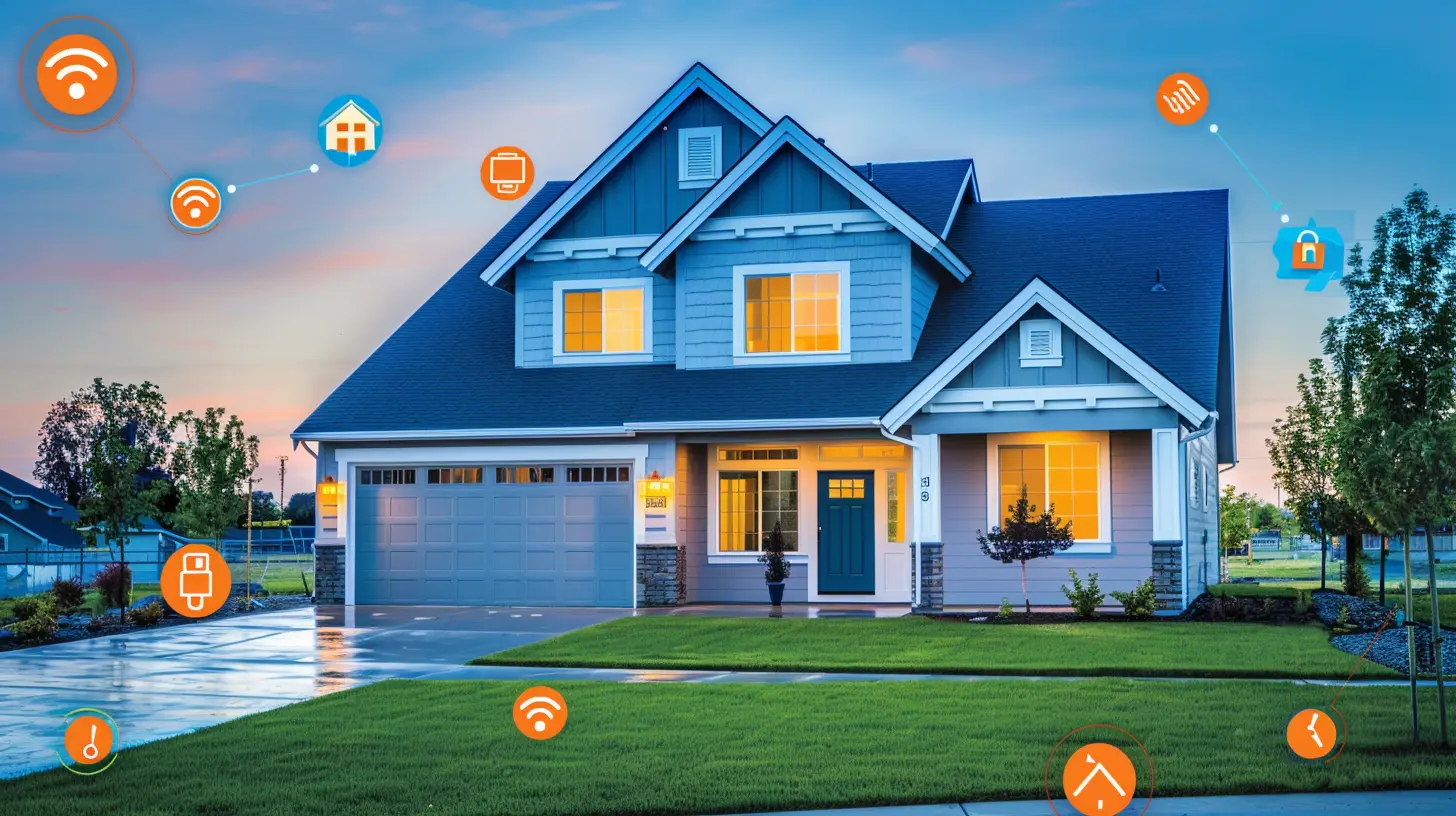
What’s a Smart Home, Anyway?
Let’s start at square one. A smart home is basically a house where devices like lights, thermostats, cameras, and even your coffee machine are connected to the internet—and each other. Picture this: You’re lying in bed and whisper to your phone, “Turn off the lights,” and voilà! Lights out. No need to do the ninja crawl across the floor dodging Lego bricks.Now, while that’s cool for you, it gets even cooler when these gadgets work in harmony to make life easier for everyone in your home, from toddlers to tech-averse grandparents.

Why Make a Smart Home Family-Friendly?
Let’s be real—just because something is high-tech doesn’t mean it’s user-friendly. Or safe. You don’t want your three-year-old accidentally unlocking the front door by yelling “Alexa, open door!” or your smart speaker playing unfiltered YouTube songs while your grandma tries to listen to jazz.A family-friendly smart home isn’t just smart, it’s secure, simple, age-appropriate, and stress-free. Think fewer wires and more “Wow, that was easy!”
Step 1: Start with a Solid (and Safe) Ecosystem
Before you go wild filling your Amazon cart with motion sensors, choose your smart home ecosystem. That sounds fancy, but it's basically the base layer—like the pizza dough before your toppings.Top Contenders:
- Amazon Alexa- Google Assistant
- Apple HomeKit
Each has strengths. Alexa loves chatting, Google is brainy, and HomeKit is super secure and private—great if you’re already deep into the Apple world.
👉 Tip: Stick with one system to avoid the tech version of a sibling rivalry. It just works more smoothly when your devices speak the same language.
Step 2: Smart Speakers – The Heart of It All
Ah, the humble smart speaker. More than a high-tech DJ, it’s the brain of your operations. Whether it's playing lullabies for your baby, setting homework timers, or helping you settle family debates (“How tall is an ostrich?”), it does a lot.Recommendations:
- Amazon Echo Dot Kids Edition – Comes with parental controls and age-appropriate content.- Google Nest Audio – Great sound and responsive Google Assistant.
- Apple HomePod mini – Seamless for iOS users.
💡 Kid Tip: Set up voice profiles for each family member so the assistant knows who's talking. That way, it won’t read out your work emails to your toddler.
Step 3: Lights That Wow – and Don’t Startle at 3 AM
Lighting might be the unsung hero of smart homes. Imagine a nightlight that switches on when your kid gets up at midnight. Or a sunset simulation that gently wakes you up instead of your 2005 ringtone alarm. That’s the power of smart lighting.Top Choices:
- Philips Hue – Super customizable and fun (disco party in the living room? No problem).- Wyze Bulbs – Budget-friendly but reliable.
- LIFX – Bright, colorful, and Wi-Fi-enabled with no hub needed.
👶 Pro Parent Move: Set nightlights in your kid's room to turn on low-warm light at bedtime and shut off automatically in the morning.
Step 4: Safety First – Smart Security with Family in Mind
A smart home should make you feel safe—not spied on. Security features are a must when you’ve got a family to protect.Family-Safe Security Must-Haves:
- Smart doorbell (like Ring or Nest): See who’s at the door without opening it.- Smart locks (like August or Schlage): Give each family member or guest a unique code.
- Indoor cams (like Arlo or Wyze): Keep an eye on the house—or your mischievous mutt.
👨👩👧👦 Family Hack: Most smart locks allow temporary access codes (hello, dog walker!) that you can revoke anytime. No more hiding keys under flowerpots.
Step 5: Thermostats That Do the Thinking for You
Let’s talk about a thermostat that learns your schedule better than your mom. Smart thermostats not only save energy but also know when you’re home, sleeping, or away... and adjust accordingly.Smart Thermostat Picks:
- Nest Thermostat – Learns your habits like a psychic.- Ecobee SmartThermostat – Comes with room sensors and Alexa built-in.
- Honeywell T9 – Affordable with zoning features for big families.
🌡️ Energy Bonus: Some models qualify for rebates through your utility company. A win for the family and your wallet.
Step 6: Smart Plugs = Dumb Devices, Now Smarter
Have that one lamp you love too much to replace? Or a coffee maker that just gets you? Plug it into a smart plug and boom—it’s now a smart device.These nifty plugs let you control anything with your phone or voice. Ideal for holiday decorations, fish tanks, or random appliances you don’t use daily.
📅 Pro Tip: Schedule Christmas tree lights or gaming consoles to shut off automatically when homework time starts.
Step 7: Screens and Entertainment, The Smart Way
Let’s be honest—managing screen time may as well be a full-time job. Smart home features make it (a little) easier.Family Features to Look For:
- Parental Controls – Most streaming devices like Roku, Fire TV, and Apple TV let you create kid profiles.- Smart TVs – Many now come with built-in Alexa/Google Assistant for hands-free controls.
- Voice Control Remotes – Because lost remotes are a rite of passage in every home.
📺 Parent Win: Use your voice to turn off the TV when it’s dinner time. There’s something super satisfying about saying, “TV off” and watching the groans unfold.
Step 8: Automations That Actually Help (Not Confuse)
Here’s where your smart home starts flexing.Automations take your gadgets from “cool” to “life-changing.” Think of them like little routines. You set the rules, and the gadgets obey. Yes, it’s basically wizardry.
Examples:
- “Good Morning” Routine – Turns on lights, starts the news, brews coffee.- “Bedtime” Scene – Dims lights, locks doors, turns off TVs.
- “Away Mode” – Lights mimic your presence, cameras activate, thermostat adjusts.
🧠 Mom Brain-Proof Tip: Use geofencing to trigger actions based on your phone’s location. So when you leave the house, your thermostat drops and doors lock—automatically.
Step 9: Baby-Proofing… But for the Digital Age
Got littles running around? Then your smart home needs to be baby-proofed in a whole new way.Digital Baby-Proofing Tricks:
- Set PINs or voice verification for smart assistants (no accidental shopping sprees).- Disable purchasing from smart speakers.
- Manage screen time with apps like Google Family Link or Apple's Screen Time.
🍼 Bonus: Install a smart baby monitor. They offer real-time audio and video, temperature checks, and alerts—all sent to your phone.
Step 10: Keep It Simple, Silly!
Final tip: Don’t overdo it. A truly smart, family-friendly home is easy to use and doesn’t require a PhD in Engineering to turn on the lights.Start small. Maybe pick one room—like the nursery, the kitchen, or the family room—and begin there. Add more gadgets as you get comfortable and find your rhythm. Most importantly, involve the whole fam in the fun. Let kids name the smart speaker. Teach Grandma how to ask for the weather.
Because at the end of the day, a family-friendly smart home isn’t just about gadgets—it’s about making life smoother, safer, and a bit more magical for everyone under your roof.
Wrapping It Up
Creating a smart home that’s family-friendly doesn’t have to fry your brain with tech overload. With a little planning, a sprinkle of voice commands, and some thoughtful devices, you can build a space that’s not just smart—but also warm, welcoming, and totally in sync with your family’s real-life chaos.Go slow, have fun, and remember: You're not building a spaceship—just a home that listens, learns, and maybe even makes the coffee before you do.
all images in this post were generated using AI tools
Category:
Smart HomeAuthor:

John Peterson
Discussion
rate this article
2 comments
Rory Cannon
Great insights on creating a family-friendly smart home! Emphasizing safety, accessibility, and user-friendly technology really makes a difference. It's essential to ensure every family member can enjoy and benefit from a connected environment.
March 14, 2026 at 12:17 PM
John Peterson
Thank you! I'm glad you found the insights valuable. Creating a safe and accessible smart home is crucial for everyone to enjoy the benefits of technology together.
Tamara Hernandez
Creating a family-friendly smart home is a wonderful way to enhance connectivity and convenience. Remember that technology should serve to strengthen family bonds and support everyone's needs, ensuring a safe and enjoyable environment for all ages.
February 9, 2026 at 1:15 PM
John Peterson
Thank you! I'm glad you enjoyed the article. That balance between convenience and connection is exactly what makes a smart home truly family-friendly.