The Best Ultrabooks for Creative Professionals in 2027
14 September 2026
Let me be blunt with you. The ultrabook market has spent the last decade chasing two things that creative professionals rarely care about: being thin enough to slice tomatoes and lasting long enough to survive a transatlantic flight in economy. Those are fine goals. But if you make your living rendering 3D scenes, cutting 10-bit video, or retouching 60-megapixel raw files, thinness alone does not pay your rent.
2027 is the first year where the ultrabook category genuinely earns the "pro" label without a pile of caveats. Panel technology that used to live only in reference monitors has trickled down. Silicon built on 2nm-class process nodes has closed the gap between "thin and light" and "desktop replacement" in ways that would have sounded absurd five years ago. And crucially, thermal engineering has matured, because a fast chip that throttles after ninety seconds is not fast. It is a marketing number.
This is not a listicle scraped from spec sheets. It is a working guide built around how creative work actually behaves on these machines. I will tell you where each class of ultrabook wins, where it quietly falls apart, and what you should test before you hand over your card.

What Actually Matters in a 2027 Ultrabook for Creative Work
Before naming machines, we need to agree on a scorecard. Most buying guides rank laptops by peak benchmark scores. That is close to useless for creative professionals, because creative workloads are bursty, sustained, and often memory-bound rather than compute-bound.The four bottlenecks that decide everything
Sustained power delivery, not peak power. A chip rated at 45 watts that can only hold 28 watts under load will lose to a slower-rated chip that holds 40 watts all day. When you export a 20-minute timeline, you are running a marathon, not a sprint. Ask reviewers specifically about sustained package power after 15 minutes, not the first 30 seconds.Memory bandwidth and capacity. Video editing, large Photoshop documents, and audio with heavy sample libraries all choke on insufficient RAM. In 2027, 16GB is the floor for casual creative work and 32GB is the realistic starting point for anyone editing 4K or higher. The catch: many ultrabooks solder memory to the board, so you buy your ceiling on day one.
Color accuracy and panel behavior. A gorgeous OLED that shifts color at 30 degrees off-axis is a liability for anyone doing color-critical work. You want factory calibration reports, coverage of the relevant gamut (sRGB for web, DCI-P3 for video and print), and consistent brightness.
Thermal design and fan acoustics. A laptop that sounds like a hair dryer during a render is a laptop you will not want to use in a client meeting or a shared studio. Acoustics are a real professional feature.
Why NPU talk is mostly noise for this audience
Every 2027 ultrabook advertises a neural processing unit with impressive TOPS numbers. Here is the honest read: NPUs are genuinely useful for background noise removal, some AI-assisted masking, and video call effects. They are not yet the thing that makes your render faster. Most creative applications still lean on the CPU and GPU. Do not let an NPU figure drive your purchase. Treat it as a nice bonus.
The Contenders: Four Archetypes, Not Four Products
Rather than pretending there is one perfect machine, it helps to think in archetypes. Most 2027 ultrabooks fall into one of four categories, and your workflow determines which one you should buy.Archetype 1: The Color-First Ultrabook
This is the machine for photographers, retouchers, and print-focused designers. Its defining trait is a panel that arrives calibrated, covers a wide gamut, and holds its color at angles. These laptops often trade raw CPU grunt for display quality and quiet operation.Who it is for: someone whose deliverable is a still image that must match a proof.
Who it is not for: someone rendering animation or compiling large video projects, where the GPU and sustained CPU matter more than a perfect gamut.
Archetype 2: The Sustained-Compute Ultrabook
This is the video editor's machine. It prioritizes cooling headroom and a discrete or integrated GPU with real media engines. It is usually a few millimeters thicker and a few hundred grams heavier, and that is the point. The extra volume buys you fans that can actually move heat.Who it is for: 4K and 8K editors, motion designers, anyone whose day includes exports.
Who it is not for: the traveler who values a 1.1 kg bag weight above all else.
Archetype 3: The Memory Monster
Some ultrabooks now ship with 64GB of RAM and fast storage, aimed at audio producers, data-heavy 3D artists, and developers who also do creative work. These machines rarely have the best GPU, but they never swap to disk, which is the single biggest cause of "my laptop feels slow" complaints.Who it is for: composers running orchestral sample libraries, 3D artists working with heavy scenes, anyone who keeps 40 browser tabs and a dozen apps open.
Who it is not for: gamers or GPU-render users, who need graphics horsepower more than capacity.
Archetype 4: The Convertible Studio
These are 2-in-1s with pen support and a hinge that folds flat. For illustrators, storyboarders, and note-heavy designers, the pen and form factor matter more than raw specs. The trade-off is usually thermals, because a folding chassis is harder to cool.Who it is for: illustrators, concept artists, anyone who draws directly on screen.
Who it is not for: heavy 3D or video work, where the folding design limits sustained performance.

How to Read Spec Sheets Without Getting Fooled
Spec sheets are written by marketing departments, not engineers. Here is how to translate them."Up to" is doing a lot of work
When a vendor says "up to 18 hours of battery," that figure comes from video playback at low brightness with the radio off. Real creative work, with a bright screen and a GPU active, will land somewhere between a third and a half of that number. Plan around the realistic figure, not the headline.Thinness numbers hide thermal truth
A 12mm chassis sounds great until you realize it cannot dissipate 40 watts without throttling. There is a physical relationship between surface area, airflow, and heat removal. If a laptop is dramatically thinner than its competitors but claims the same sustained performance, be skeptical. Physics does not negotiate.Resolution is not the same as quality
A 3K OLED and a 3K IPS panel can share a resolution and be worlds apart in color, contrast, and response. Resolution tells you how much fits on screen. It says nothing about whether the colors are correct.Ports matter more than you think
Creative work involves readers, drives, audio interfaces, and external monitors. A laptop with only two USB-C ports will force you into a dock, which is fine, but docks add cost and failure points. Count your real peripherals before you buy.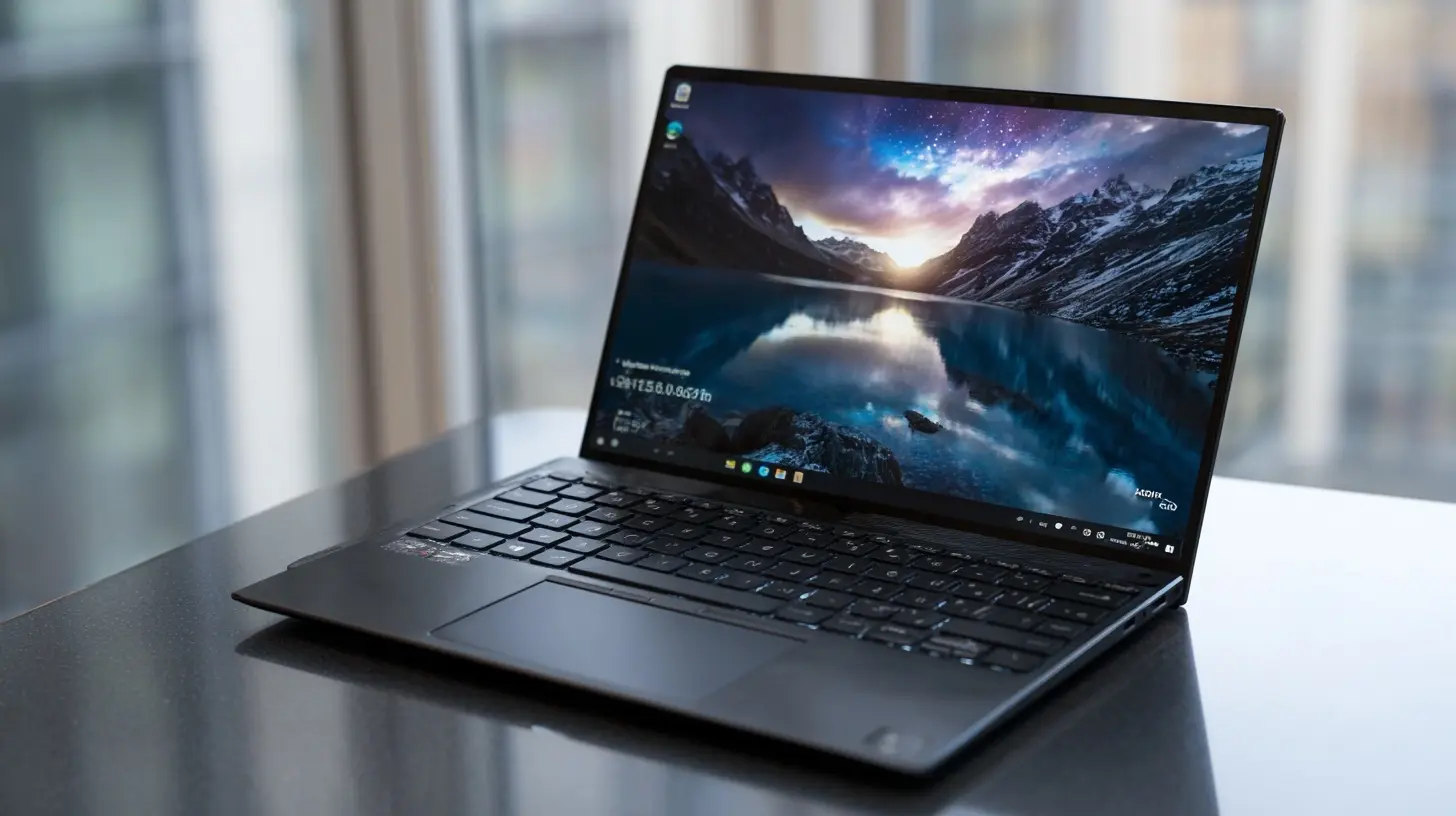
Real-World Workflow Analysis
Let me walk through how these machines behave in actual creative tasks, because this is where the archetypes prove themselves.Photo editing and retouching
A 60-megapixel raw file loaded into a layered document can consume 8 to 12GB of RAM by itself. Add a second document, a browser, and a music player, and 16GB becomes tight fast. The Color-First archetype handles this well because its panel is the star, and photo work is not sustained-load heavy. The Memory Monster also excels here, and honestly, for a heavy retoucher, 32GB is the sweet spot. The mistake I see most often is buying a beautiful OLED panel and then running out of memory mid-session. Capacity first, then panel.Video editing and color grading
This is the hardest workload for an ultrabook. Decoding 4K or 8K footage uses dedicated media engines, and encoding on export leans on the GPU. The Sustained-Compute archetype exists precisely for this. The key insight most buyers miss: proxy workflows change everything. If you edit with proxies, even a modest ultrabook can cut 8K footage smoothly. If you insist on native editing, you need the heavier machine. Decide which camp you are in before you shop.3D modeling and rendering
Modeling is largely single-threaded and responsive, so most ultrabooks handle it. Rendering is where machines diverge. A GPU renderer will finish dramatically faster on a machine with real graphics horsepower. If you render on CPU, you want cores and sustained cooling. The uncomfortable truth is that no ultrabook replaces a desktop for heavy 3D rendering. The best you can do is choose one that does not embarrass itself, and offload final renders to a desktop or cloud farm.Audio production
Audio is a memory and latency game more than a raw compute game. Large orchestral templates can load tens of gigabytes of samples. The Memory Monster wins here, and a quiet machine matters because fan noise bleeds into recordings. This is the one workload where the "boring" machine with 64GB of RAM and a modest GPU is genuinely the best choice.Illustration and concept art
The Convertible Studio archetype is the clear pick. Pen latency, pressure sensitivity, and palm rejection are the features that matter. Specs come second. The trap here is buying a powerful convertible that runs hot and makes the screen uncomfortable to rest your hand on. Try before you buy if you possibly can.Trade-Offs You Cannot Avoid
Every ultrabook purchase involves giving something up. Here is the honest ledger.Thin versus cool. Thinner means less thermal headroom. If you do sustained work, accept a little more weight.
OLED versus IPS. OLED gives you perfect blacks and vivid color, but can suffer from burn-in with static UI elements and often uses more power at high brightness. IPS is more power-efficient for bright environments and immune to burn-in, but has weaker contrast. For a video editor who stares at a timeline for hours, burn-in risk is real. For a photographer, OLED's color and contrast often win.
Soldered memory versus slots. Soldered memory is faster and more power-efficient, but you cannot upgrade it. Slotted memory is flexible but rare in ultrabooks. If you cannot decide, buy more RAM than you think you need, because you cannot add it later.
Battery versus performance. Running at full tilt drains any battery quickly. The realistic expectation is two to four hours of heavy creative work unplugged, and that is fine. Plan to work near power for renders and exports.
Common Mistakes and Misconceptions
Mistake one: buying for peak benchmarks. Peak scores reflect short bursts. Creative work is sustained. Look for sustained performance reviews.Mistake two: underestimating storage speed. A slow SSD makes everything feel sluggish, from app launches to scratch disk operations. Check sequential and random read/write, not just capacity.
Mistake three: ignoring the keyboard and trackpad. You will touch these more than any spec. A great screen with a mushy keyboard is a daily annoyance.
Misconception: more cores always means faster. For lightly threaded tasks like many photo operations, fewer fast cores beat many slow ones. Core count is not a proxy for responsiveness.
Misconception: you need the newest everything. A well-chosen machine from the previous cycle, discounted, often beats a marginal refresh at full price. The gains between adjacent generations are frequently small.
Practical Buying Advice
Here is the sequence I recommend.First, write down your three heaviest tasks and their memory footprints. This defines your RAM floor.
Second, decide whether you edit natively or with proxies. This defines whether you need the Sustained-Compute archetype or can save money elsewhere.
Third, shortlist two or three machines and read sustained-performance and color-accuracy reviews specifically. Ignore sponsored overviews.
Fourth, check the return policy. Panels vary unit to unit, and a laptop you love on paper can disappoint in hand. A generous return window is worth more than a small discount.
Fifth, budget for the accessories you will actually need: a dock, an external drive, maybe a calibrated second monitor. These often cost more than the upgrade you skipped.
The Bottom Line
The best ultrabook for you in 2027 is not the thinnest or the one with the biggest number on a spec sheet. It is the one whose bottleneck sits furthest from your actual work. Photographers should buy panel and memory. Video editors should buy sustained cooling and media engines. Audio producers should buy RAM and silence. Illustrators should buy pen feel and a comfortable screen.Get the bottleneck right and everything else becomes a preference. Get it wrong and no amount of benchmark glory will save you on deadline.
all images in this post were generated using AI tools
Category:
UltrabooksAuthor:

John Peterson