Why SaaS UX Design Matters More Than Ever
20 October 2026
Something strange happened to software over the last decade. It became invisible. Not literally, of course. But the days when a company bought a box, installed it on a server, and trained staff for weeks are mostly gone. Today, the average knowledge worker juggles a dozen or more SaaS tools before lunch. They sign up for a free trial on a Tuesday and expect to be productive by Tuesday afternoon. No manual. No training session. No vendor engineer on site.
That shift has quietly moved UX design from a nice-to-have to the single biggest lever a SaaS company has for growth, retention, and survival. Not because designers got louder in the boardroom, but because the economics changed. When switching costs are low and alternatives are one browser tab away, the interface is the product. And the interface is judged in minutes, not months.
This article digs into why that matters now more than ever, where teams get it wrong, and how to build UX that actually earns its keep.
The Bar Has Been Raised, and It Is Not Coming Down
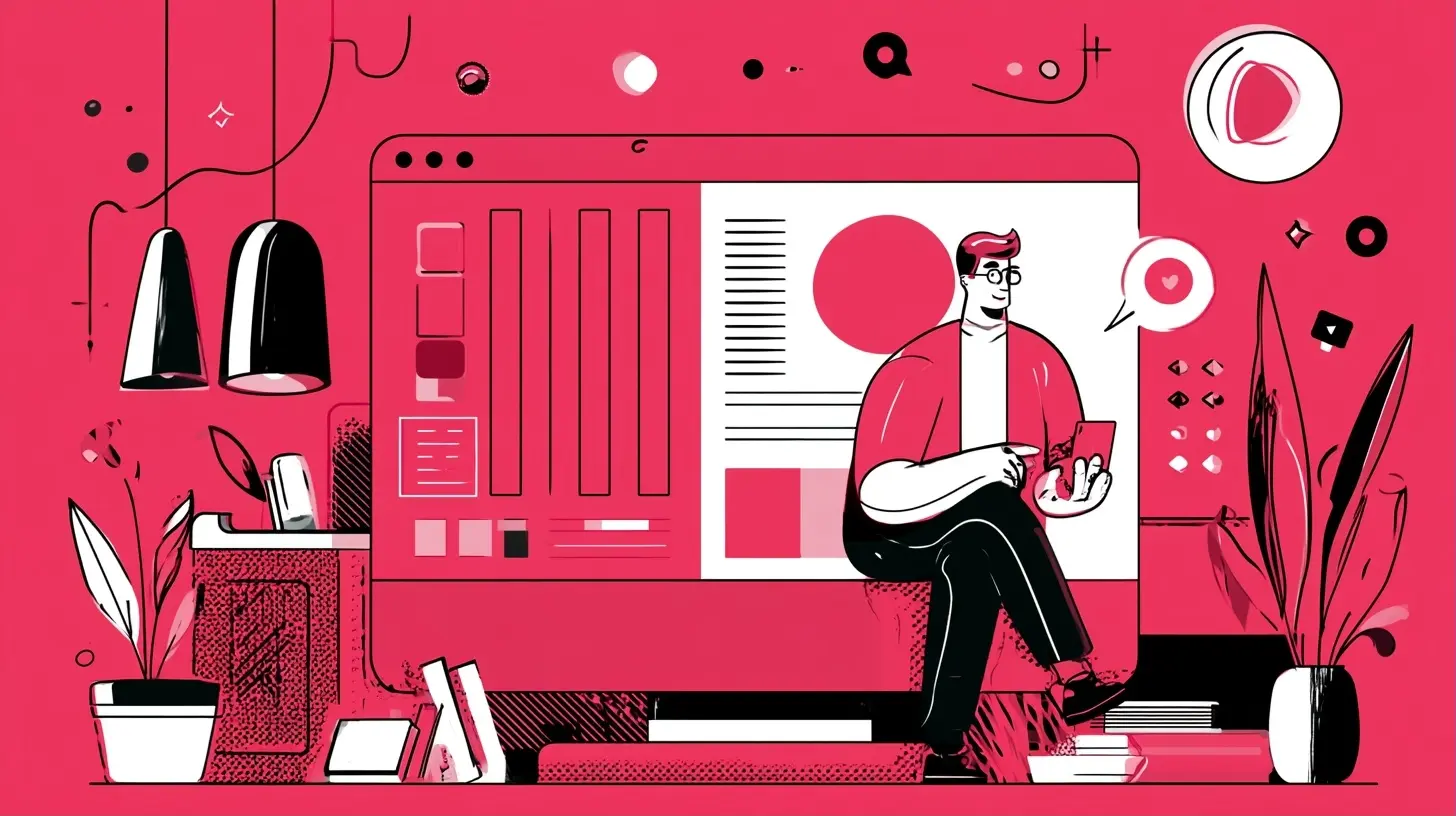
Consumer apps trained everyone. People now expect software at work to feel like the apps they use on their phones: fast, obvious, forgiving. A form that loses data on refresh, a settings page that hides the one toggle you need, a dashboard that takes six clicks to answer a simple question. Each of these is a small insult. Stack up enough of them and users start quietly looking for an exit.Here is the part that catches founders off guard. Users rarely complain. They just leave. Churn surveys are famously unreliable because people would rather click "too expensive" than write a paragraph about how your onboarding made them feel stupid. By the time the churn shows up in the numbers, the UX damage is months old.
So the practical takeaway is this: treat friction as a leading indicator, not a lagging one. Instrument your product for hesitation. Track where trials stall, where setup wizards get abandoned, where support tickets cluster. Those are your UX early warning system.

Why the Economics of SaaS Made UX a Strategic Function
In traditional software, the sale happened before the experience. A procurement team signed a contract, and users had little say. In SaaS, the experience often happens before the sale. Self-serve trials, freemium tiers, and product-led growth mean the product demos itself. The buyer is frequently the user, and the evaluation happens in a browser, alone, at 11 pm.This flips the old logic on its head:
- Acquisition depends on the first session. If a new user cannot reach a meaningful outcome quickly, they assume the product cannot do the job. They do not assume they missed a tutorial.
- Retention depends on repeated small wins. SaaS revenue is recurring, which means the product must keep justifying itself. UX that creates tiny daily efficiencies compounds into renewal decisions.
- Expansion depends on discoverability. Upsells only work if users can see, understand, and trust the premium capability. Hidden features do not generate revenue.
There is also a competitive dimension that did not exist fifteen years ago. Categories mature fast. When five tools do roughly the same thing, buyers default to the one that feels easiest to live with. Feature parity is common. Experience parity is not. That gap is where UX earns its reputation.
What Good SaaS UX Actually Means (It Is Not Pretty Screens)
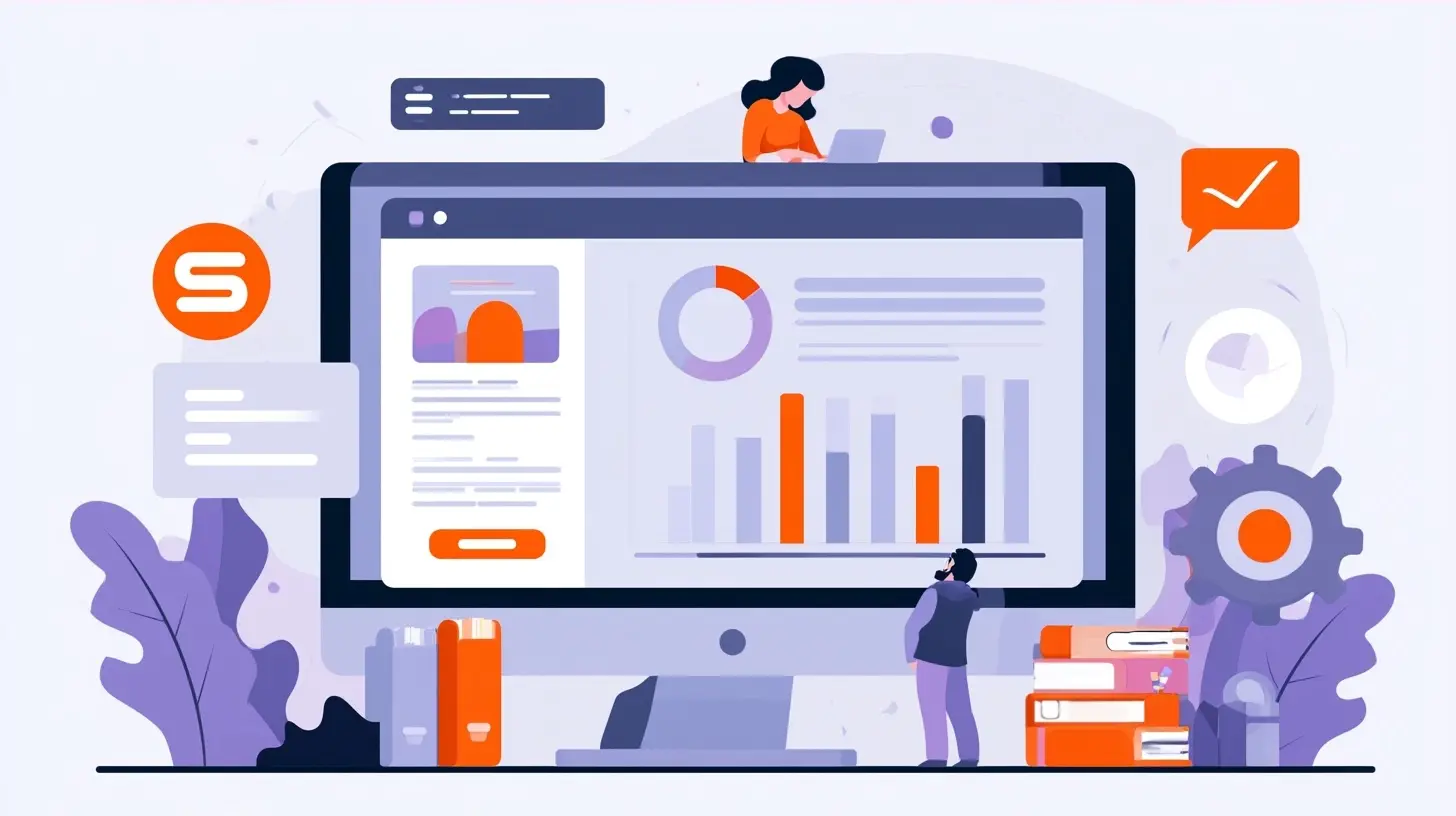
Ask ten people what UX design is and you will get ten answers, most of them about visuals. That is a costly misconception. Visual polish matters, but it is the last mile, not the journey. Good SaaS UX is a stack of decisions, roughly in this order of impact:1. Job clarity. Does the product make it obvious what it is for and what to do next? A beautiful interface that leaves users guessing has failed at the most basic level.
2. Information architecture. Can users build an accurate mental model of where things live? If they have to memorize your menu structure, you have borrowed cognitive rent from them.
3. Flow design. Are the common paths short and the rare paths findable? Most users do a small number of things often. Optimize ruthlessly for that.
4. Feedback and state. Does the system tell users what happened, what is happening, and what will happen? Silence is the enemy of trust in software.
5. Error handling. Can users recover without fear? The best products make mistakes cheap.
6. Visual design. Consistency, hierarchy, legibility, and brand. Important, but it cannot rescue a broken flow.
A useful test: strip the color and typography from your product. Can a new user still complete the core task? If not, you have a structure problem dressed up as a styling problem.

The Onboarding Trap: Most SaaS Products Peak Too Late
Onboarding is where the most money is won and lost, and it is also where teams make their most predictable mistakes. The classic error is the feature tour: a carousel of tooltips pointing at buttons the user does not yet care about. It feels productive to build. It teaches almost nothing, because people do not retain instructions for tasks they have not attempted.A better model is outcome-first onboarding. Get the user to one real result as fast as possible, using their own data or a realistic sample. A project management tool should help someone create and complete a tiny project, not explain what a "workspace" is. An analytics tool should show one useful chart built from the user's data, not walk through the schema editor.
Three practical patterns that tend to work:
- Progressive disclosure. Reveal complexity as users need it. Start with the three settings that matter, and let power users expand from there. The trade-off is real: too much hiding and advanced users feel patronized. The fix is a visible path to "show me everything," not secrecy.
- Templates and presets. A blank canvas is a UX failure in disguise. Pre-filled templates let users learn by editing rather than authoring from scratch. The risk is template sprawl, so curate aggressively.
- Checklists with real value. Onboarding checklists work when each item produces something the user wants, not when they are busywork in disguise. Users can smell a fake checklist.
And measure the right thing. Time-to-first-value beats activation rate as a diagnostic, because it tells you where the delay lives. If your median time-to-value is measured in days for a product that should deliver in minutes, you have a UX problem, not a marketing problem.
Cognitive Load: The Quiet Killer of SaaS Retention
Every SaaS product accumulates features. That is normal. The problem is that features accumulate in the interface too, and soon the main screen looks like a cockpit designed by committee. This is cognitive load, and it is the most common reason mature products start feeling exhausting.A few principles worth internalizing:
- Recognition over recall. Show options instead of making users remember commands. This is why good command palettes work: they combine speed for experts with discoverability for everyone else.
- Defaults are decisions. Most users never change settings. Choose defaults that serve the common case, and make the uncommon case findable rather than loud.
- One primary action per screen. If everything is emphasized, nothing is. Visual hierarchy is a form of respect.
- Consistent patterns beat clever ones. A novel interaction delights once and confuses forever. Save novelty for marketing pages.
There is a genuine trade-off here that deserves honesty. Power users often want density: more rows, more columns, more keyboard shortcuts. Beginners want breathing room. The mature answer is usually a spectrum, not a compromise. Offer a comfortable default view and a compact mode, and let users choose. Do not force density on everyone in the name of efficiency.
Performance Is a UX Feature, Full Stop
Designers sometimes treat speed as an engineering concern. Users do not make that distinction. A laggy interface feels broken, and a spinner that lingers past a couple of seconds starts to erode confidence in the whole product. Perceived performance matters as much as raw performance: skeleton screens, optimistic updates, and clear progress states all change how fast the product feels, even when the underlying latency is unchanged.The trade-off is complexity. Optimistic updates can create confusing states if the server rejects the change. Skeleton screens can feel like fake progress if they linger. Use these patterns where the failure mode is rare and recoverable, and fall back to honest loading states where correctness matters more than smoothness. The rule of thumb: be fast, and when you cannot be fast, be honest.
Accessibility and Trust: The Underrated Growth Levers
Accessibility is often framed as compliance. That framing undersells it. Accessible products are usually better products: keyboard navigation helps power users, sufficient contrast helps everyone in bright rooms, clear labels help screen reader users and hurried readers alike. Building accessibility in from the start is cheap. Retrofitting it into a mature design system is expensive, because it forces rework across every component.Trust works the same way. UX signals trustworthiness in small ways: predictable destructive actions, clear confirmation dialogs, sensible permission defaults, transparent pricing pages. A single scary moment, like a button that deletes a workspace with no undo, can undo months of goodwill. Design for reversibility wherever possible. Undo beats confirmation dialogs in most cases, because users click through dialogs without reading them anyway.
Common Mistakes and Misconceptions
A few beliefs show up again and again, and they cost teams real money:"Our users will read the documentation." Some will. Most will not. Documentation is a safety net, not a design strategy. If a core flow requires a doc, redesign the flow.
"More features mean more value." Features create value only when users can find and use them. An unused feature is a maintenance cost with a marketing story attached.
"UX is the design team's job." UX is a product decision made by everyone who ships: product managers who scope, engineers who implement, support teams who hear the pain, and executives who set priorities. Designers facilitate it, but they cannot own it alone.
"We will fix UX after launch." Post-launch UX debt compounds. Early structural decisions harden into architecture, and architecture is expensive to change. Fix the flows before you scale the surface area.
"Users hate change." Users hate unexplained change. When you redesign, communicate the why, preserve the familiar where it does not hurt, and give people a short runway. Change management is part of UX.
Practical Playbook: Making UX Matter in Your Organization
If you want UX to be more than a slogan, here is a grounded sequence that tends to work:1. Pick one core journey and instrument it end to end. Signup to first value, or login to daily task completion. Measure drop-off at each step.
2. Watch five real sessions per sprint. Not surveys. Sessions. You will hear things no dashboard shows.
3. Fix the top friction point before adding the next feature. This is a discipline problem more than a design problem. Feature pressure will always compete with polish. Decide in advance which wins.
4. Build a small design system early. Not a grand overhaul. A shared set of components with documented behavior prevents inconsistency from spreading.
5. Make UX metrics part of the roadmap conversation. Time-to-value, task success rate, support ticket volume per feature, and trial-to-paid conversion belong next to revenue metrics.
6. Close the loop with users. Tell people what you changed because of their feedback. It builds trust and encourages more feedback.
None of this requires a huge team. It requires consistency and the willingness to say no to surface area until the core experience is solid.
The Bottom Line
SaaS UX matters more than ever because the product is the sales pitch, the onboarding, the support, and the renewal conversation, all at once. Users evaluate in minutes, switch in seconds, and rarely explain why they left. The companies that win are not the ones with the longest feature list. They are the ones that make the next step obvious, the common task fast, and the mistake cheap to fix.Treat UX as a strategic function, not a finishing coat of paint. Instrument friction, protect the core journey, and resist the urge to add before you refine. Your users will not thank you out loud. They will just stay.
all images in this post were generated using AI tools
Category:
Saas ToolsAuthor:

John Peterson