Exploring the Best Ultrabook Displays for Designers and Creatives
27 June 2026
Let’s cut the fluff—if you’re a designer or creative pro, you know a buttery-smooth display with juicy color accuracy is your Holy Grail. Your entire world lives in pixels, and if your screen can’t keep up, it’s like painting Mona Lisa with a crayon. That’s not just frustrating—it’s career sabotage.
So yeah, the ultrabook you pick should do more than just look sexy on your desk. It needs to be a color-accurate, high-res, eye-pleasing beast that makes your creative juices flow like a triple espresso on a Monday morning. Ready to dive in? Let’s break down the best ultrabook displays designed to make your inner creative dance.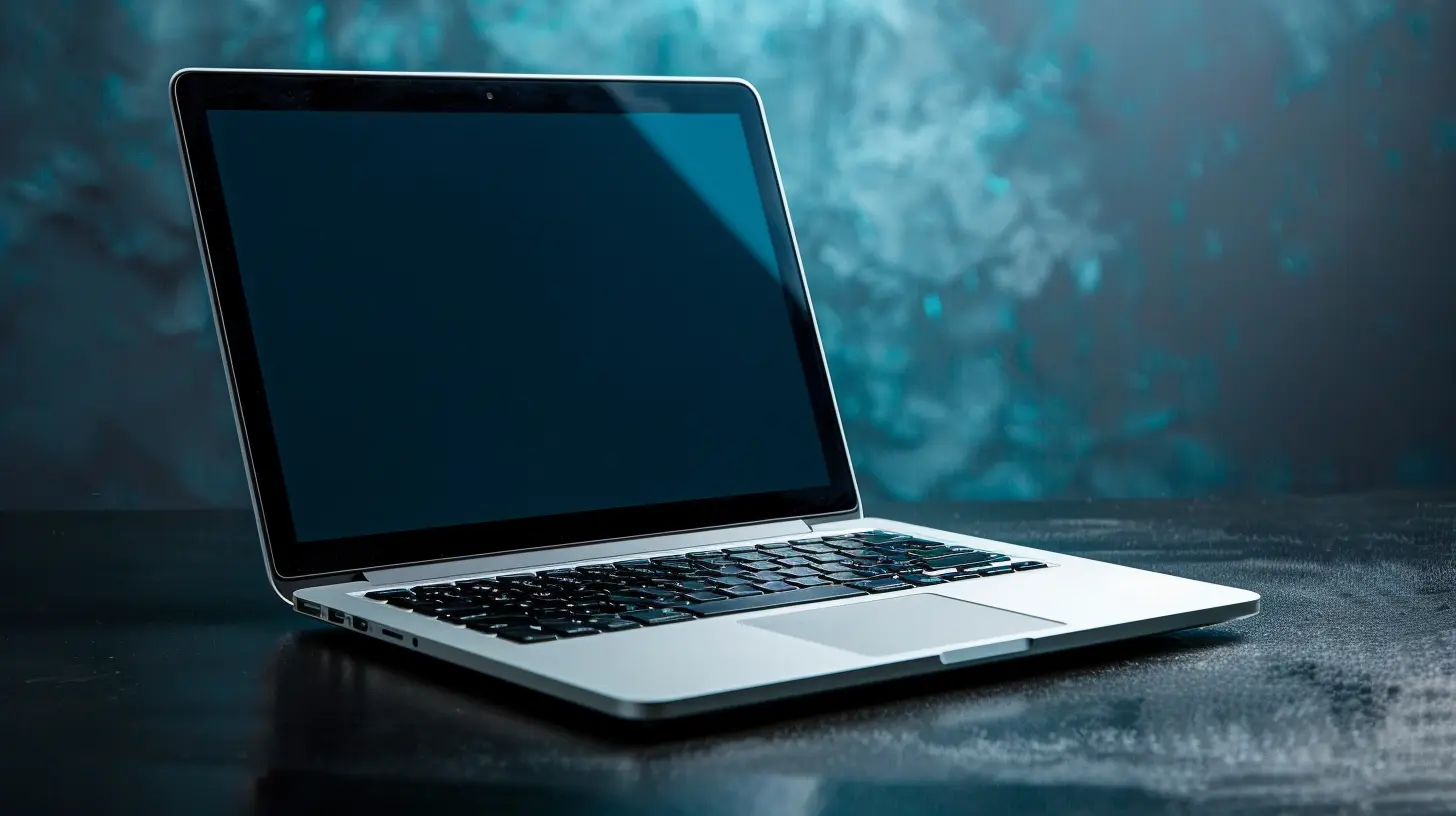
? Why Display Quality Is Non-Negotiable for Creatives
Let’s be real—designing on a subpar screen is like driving in the fog with sunglasses on. You’ll squint, struggle, and ultimately mess up the details. Precision matters. Whether you’re editing photos, color grading video, or designing UI/UX, just a smidge of color inaccuracy can throw off the whole vibe.Color Accuracy: The Real MVP
Ever nailed a color scheme only to cry in the print room 'cause it looked NOTHING like your screen? Yeah, been there. Ultrabooks with high color gamut like 100% sRGB, AdobeRGB, or DCI-P3 give you the real deal. No guesswork, no drama—just pure creative confidence.Resolution & Pixel Density: Because Blurriness Is So 2005
Let’s just say it—if you’re still designing on a 1080p screen, it’s time for an intervention. 4K or 3K displays aren’t just flexing—they let you zoom into details sharper than your ex’s insults. Higher resolution = better precision during edits and less eye strain.Brightness & Contrast: Eye Candy Matters
If your display can’t handle ambient light or blacks look more like 50 shades of gray, that’s a hard pass. Go for displays that shine at 400 nits or higher and have great contrast ratios. Your eyes will thank you during those 12-hour editing marathons.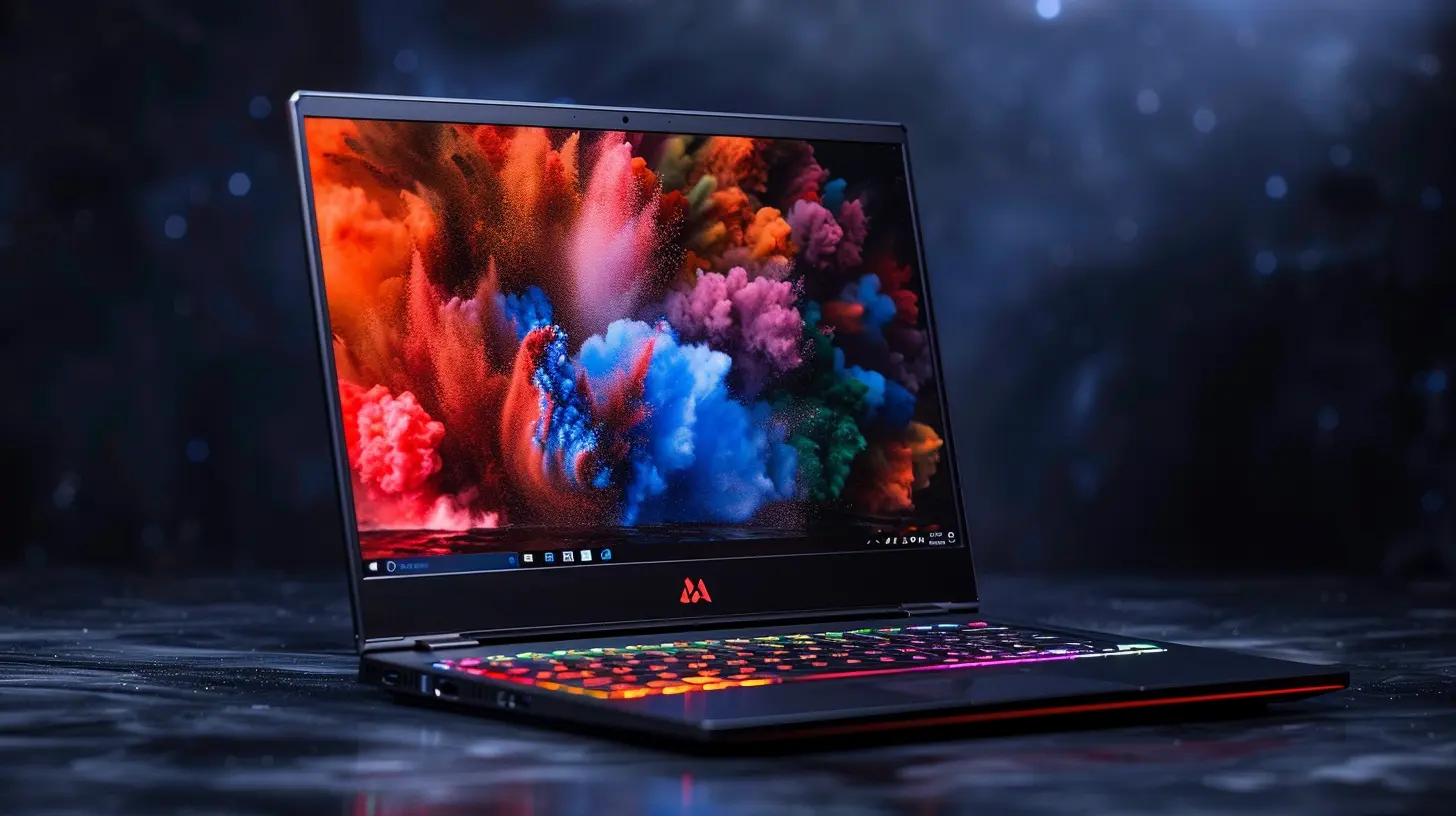
? What Designers Should Look For in an Ultrabook Display
Before we dish out the top-tier ultrabooks, let’s get our checklist sorted. Because honey, not all that glitters is gold—and not every ultrabook can rock your creative world.- ✅ High Color Gamut (100% sRGB, AdobeRGB, or DCI-P3)
- ✅ High Resolution (WQHD, 3K, or 4K)
- ✅ Excellent Brightness (400 nits or more)
- ✅ Anti-glare or Matte Display (unless you love playing peekaboo with your reflection)
- ✅ Pantone Validation or Factory Color Calibration
Got it? Cool—now onto the main course.
? The Best Ultrabook Displays for Designers and Creatives (Yes, We’ve Got Receipts)
1. Apple MacBook Pro 14-inch & 16-inch (M2/M3 Series)
Oh sweetheart, you wanted an industry standard? Here it is. Apple’s MacBook Pro is the Beyoncé of creative ultrabooks. The Liquid Retina XDR display is straight-up jaw-dropping.- Display: 14.2” or 16.2” Liquid Retina XDR, up to 1600 nits peak brightness
- Resolution: 3024x1964 (14”) / 3456x2234 (16”)
- Color Gamut: 100% DCI-P3, factory calibrated
- Extras: ProMotion 120Hz refresh rate, True Tone
This baby is perfect for video editors, colorists, and digital artists. Seriously—editing on this is like working on a backlit canvas from heaven.
2. Dell XPS 15 OLED (9520/9530)
If the MacBook’s not your thing (loyal to Windows? no judgment), the Dell XPS 15 is your next ride-or-die. Dell said, “let’s slap an OLED panel on this beast and make people gasp.”- Display: 15.6” 3.5K OLED Touch Display
- Resolution: 3456x2160 (16:10 aspect ratio)
- Color Gamut: 100% DCI-P3
- Brightness: ~400 nits
OLED means your blacks are blacker than your 2AM thoughts, and colors pop like confetti. It’s a strong contender for photographers and illustrators where visual fidelity is everything.
3. ASUS ZenBook Pro Duo 14 OLED
Ever wished for a secondary screen without needing dual monitors? Boom—ASUS heard you.- Main Display: 14.5” 2.8K OLED HDR Touch Display
- ScreenPad Plus: Secondary 12.7” 2880 x 864 touchscreen
- Color Gamut: 100% DCI-P3, Pantone Validated
- Brightness: 550 nits (main)
Perfect for multitasking maniacs—reference on the secondary display, create on the primary. Just don’t blame us when you forget what time it is.
4. HP Spectre x360 14
She’s sleek, she’s stylish, and her display slaps. The Spectre x360 14 is a 2-in-1 ultrabook that doesn’t compromise on display quality.- Display: 13.5” OLED Touchscreen
- Resolution: 3000x2000 (3K2K)
- Color Coverage: 100% DCI-P3
- Extras: Anti-reflection panel, HDR support
Compact and portable but packs a punch? We love a good underdog, and this one’s perfect for digital sketchers and logo designers on the go.
5. Microsoft Surface Laptop Studio 2
If you’re in the creative tribe that leans towards digital art, Surface Laptop Studio 2 is your new BFF. With a unique hinge that lets it morph into multiple modes, this laptop goes from ultrabook to sketchpad real quick.- Display: 14.4” PixelSense Flow Touch Display
- Resolution: 2400x1600 (201 PPI)
- Color Gamut: sRGB, Vivid (enhanced DCI-P3), factory calibrated
- Brightness: 500 nits
Add a Surface Pen and BOOM—you just created your mobile studio.
? Not-So-Obvious Things That Also Matter (Display Edition)
Choosing the perfect display isn’t just about specs. It’s about how all of it comes together in the real world where your deadlines are yesterday and coffee is your spirit animal.Fan Noise & Thermals
What good is a stunning display if your ultrabook starts screaming like a banshee while rendering a high-res image? Look for thermal performance and silent cooling tech. Your ears will thank you.Battery Life with High-Res Displays
Let’s address the elephant in the room—4K eats battery like it’s an all-you-can-eat buffet. Make sure your ultrabook balances power and efficiency. OLEDs look divine but can chew through battery life faster than you can say "rendering."Build Quality & Portability
You’re not chained to a desk, right? Your ultrabook should be light, sturdy, and backpack-friendly. Bonus points for magnesium alloy and CNC aluminum builds.✨ Calibration Tools: Your Secret Weapon
Even the fanciest ultrabook display can drift out of whack over time. But don’t worry—you’re not alone. Tools like the X-Rite i1Display Pro or Datacolor SpyderX Pro can help you stay color-accurate. It’s like giving your ultrabook a regular eye check-up.? The Verdict: Which One’s Your Perfect Match?
TL;DR—there’s no one-size-fits-all here. It boils down to your workflow, your preferences, and yes, your budget. Here’s the quickie guide:| Creative Field | Best Pick |
|----------------------|------------------------------------------------|
| Photo Editing | Dell XPS 15 OLED |
| Video Editing | MacBook Pro 16" M3 |
| Illustration | Surface Laptop Studio 2 |
| Multitasking | ASUS ZenBook Pro Duo 14 |
| On-the-Go Design | HP Spectre x360 14 |
Pick the one that fits your vibe and workflow. Because when your tools inspire you, your creativity hits different.
? Final Tips for Display Perfection
Before we peace out, here’s some bonus wisdom from creatives who’ve been there, done that:- Don’t skip calibration. Seriously.
- Go for matte over glossy unless you love chasing reflections.
- Toggle night mode or blue light filter for long work sessions.
- Use external monitors for color-critical work if your ultrabook falls short (dual monitor setups aren’t just for gamers, darling).
? Let Your Display Be a Canvas, Not a Compromise
You spend hours staring at your screen—editing, creating, tweaking, glancing, obsessing. So why would you settle for anything less than awesome? With the right ultrabook display, your vision shines through—vivid, accurate, and absolutely stunning.So now that you’ve got the lowdown on premium ultrabook displays for designers and creatives, what are you waiting for? Go ahead, treat yo’self—and your art—to the screen it truly deserves.
all images in this post were generated using AI tools
Category:
UltrabooksAuthor:

John Peterson
Discussion
rate this article
1 comments
Elin Moore
Great insights! A high-quality display is crucial for designers and creatives to thrive.
June 28, 2026 at 12:40 PM